


Description
Description
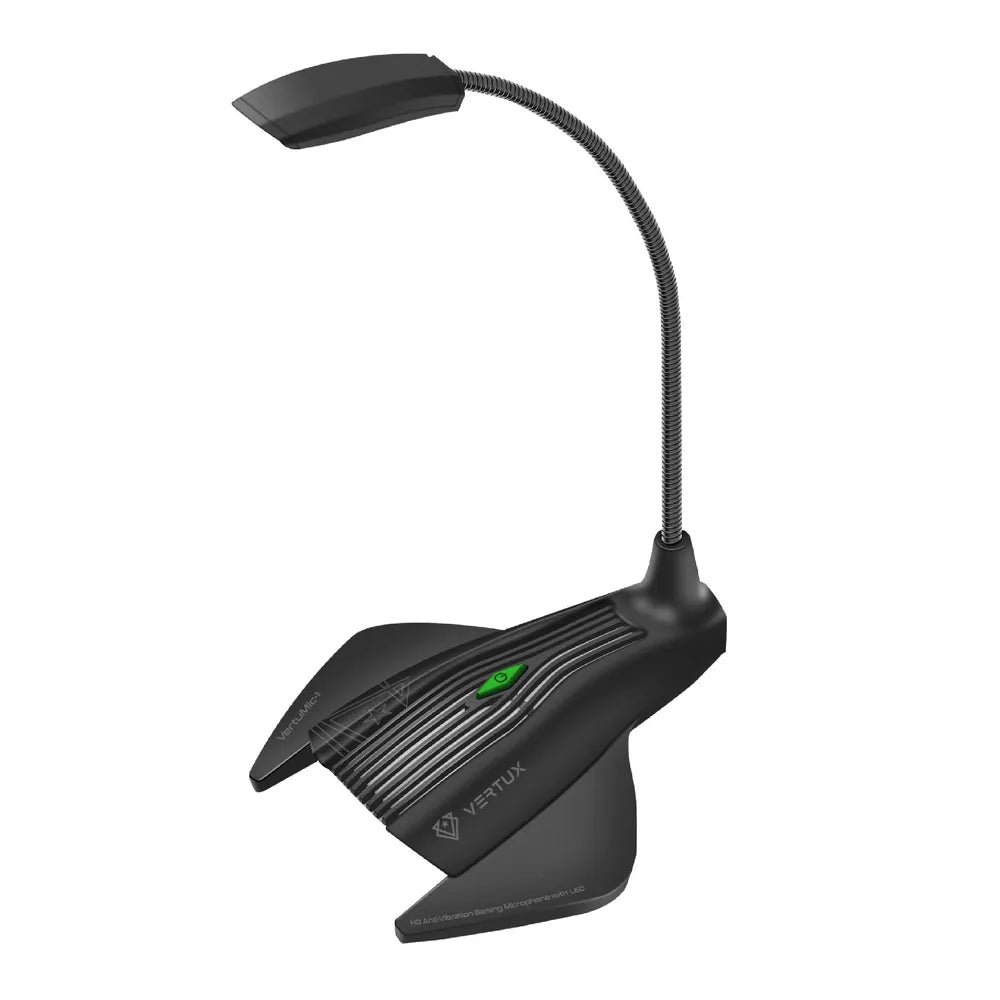
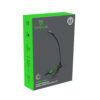
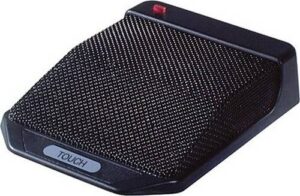
The Vertux VertuMic-1 USB Gaming Microphone supports listening, communication or audio capture as specified. This microphone is for users setting up compatible audio equipment.
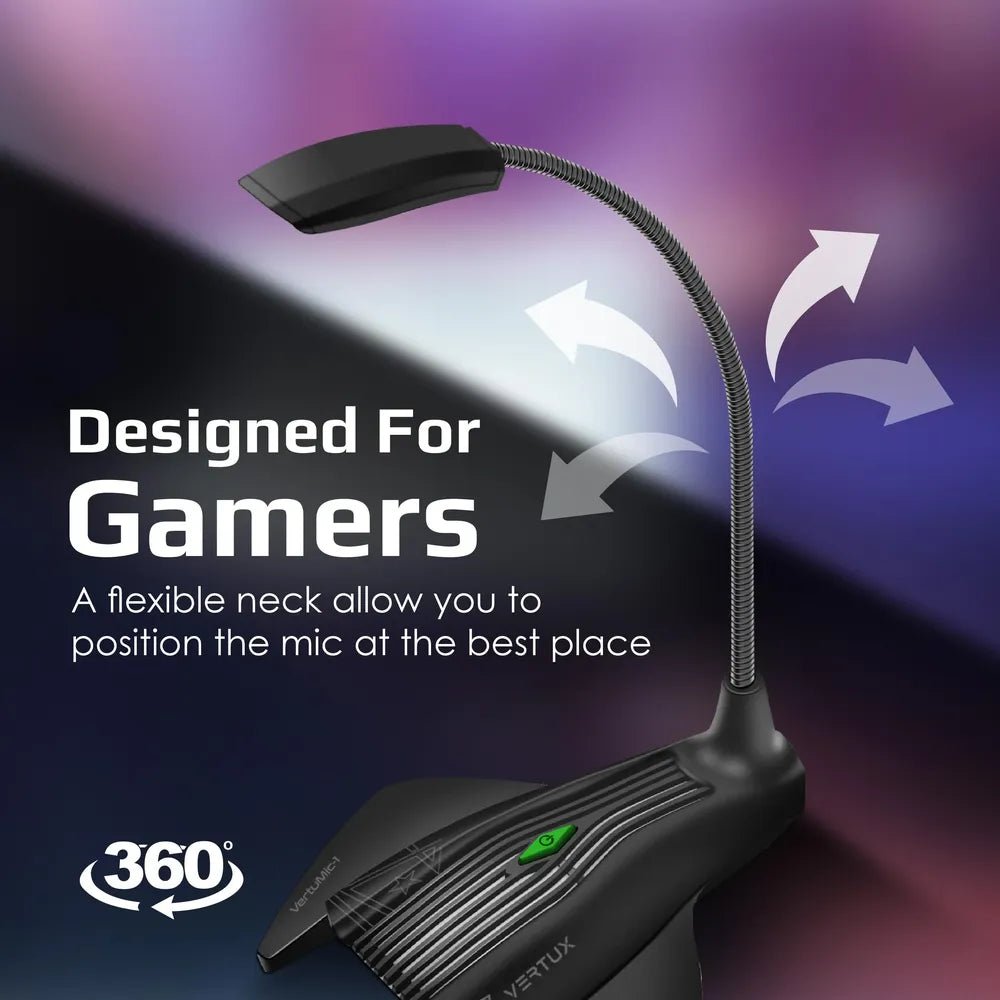
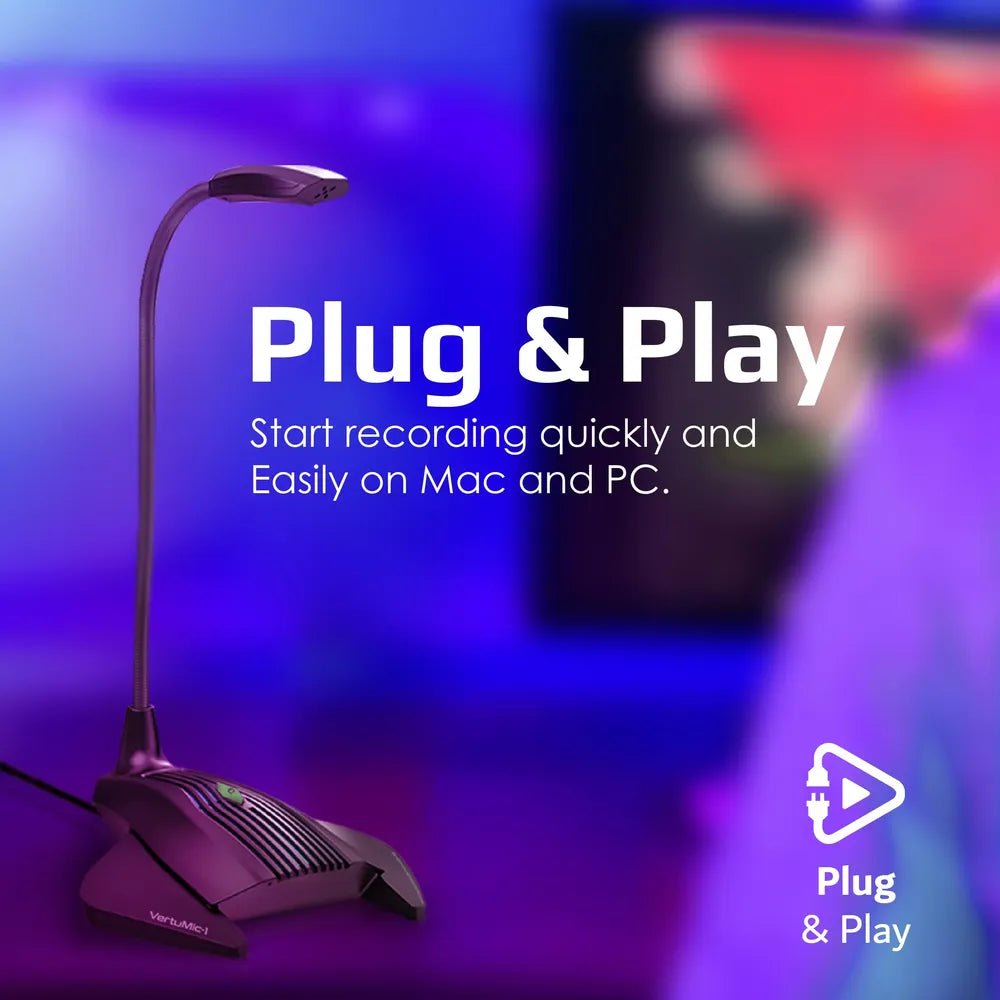
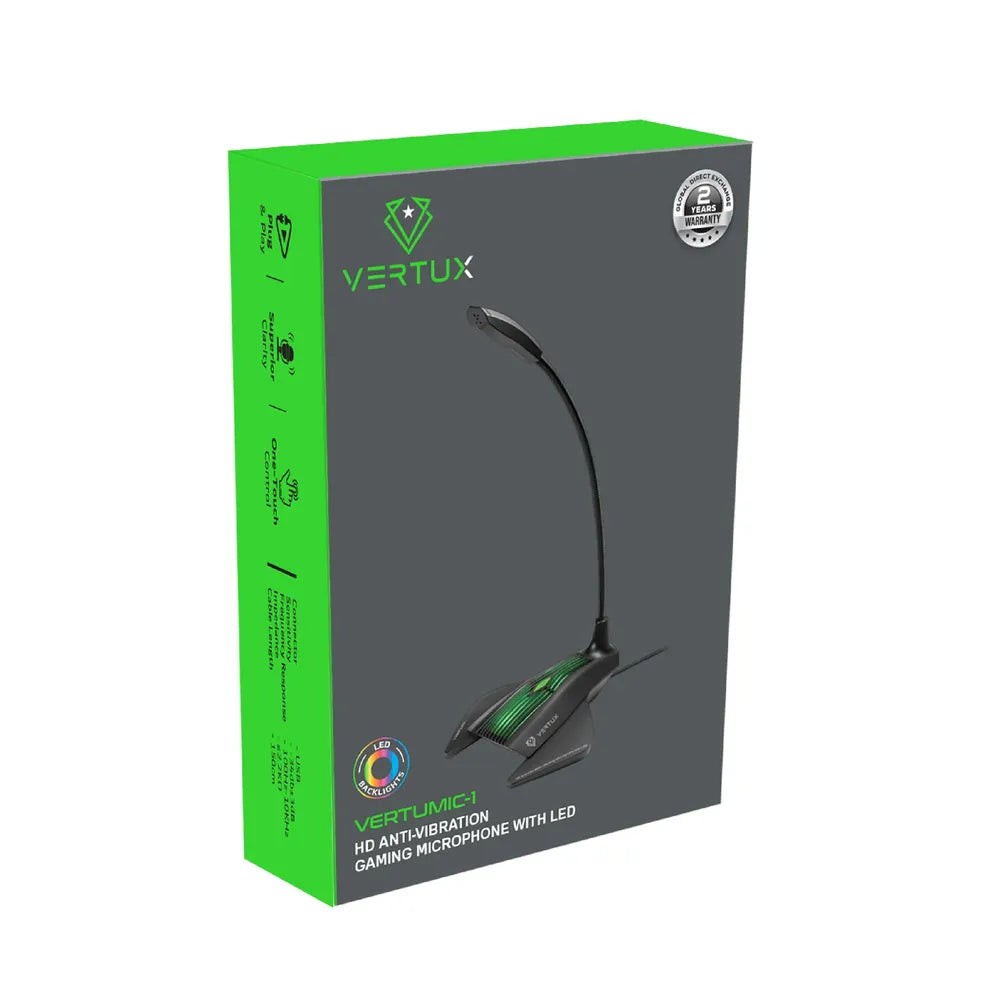
The microphone type is Desktop Gaming Condenser. Also, the microphone pattern is Omnidirectional (360° Voice Capture). The connectivity is Wired USB (Plug & Play).
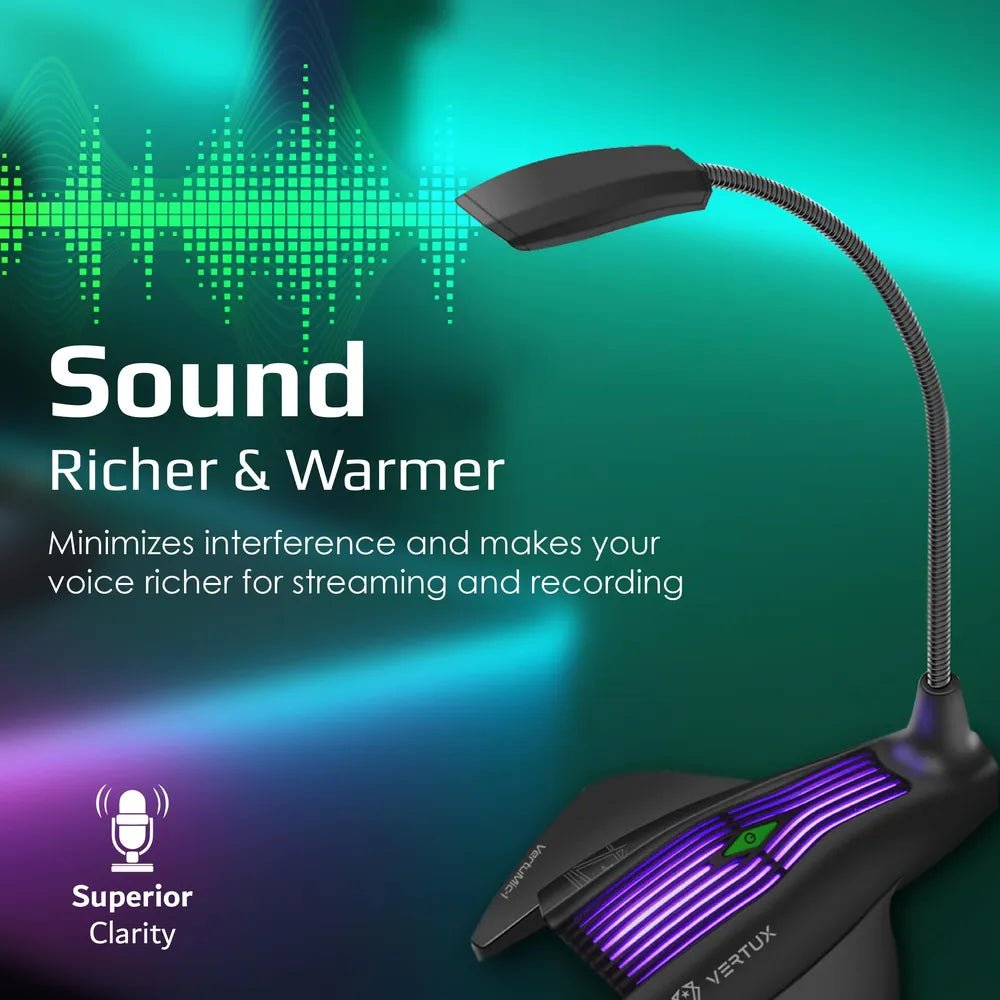
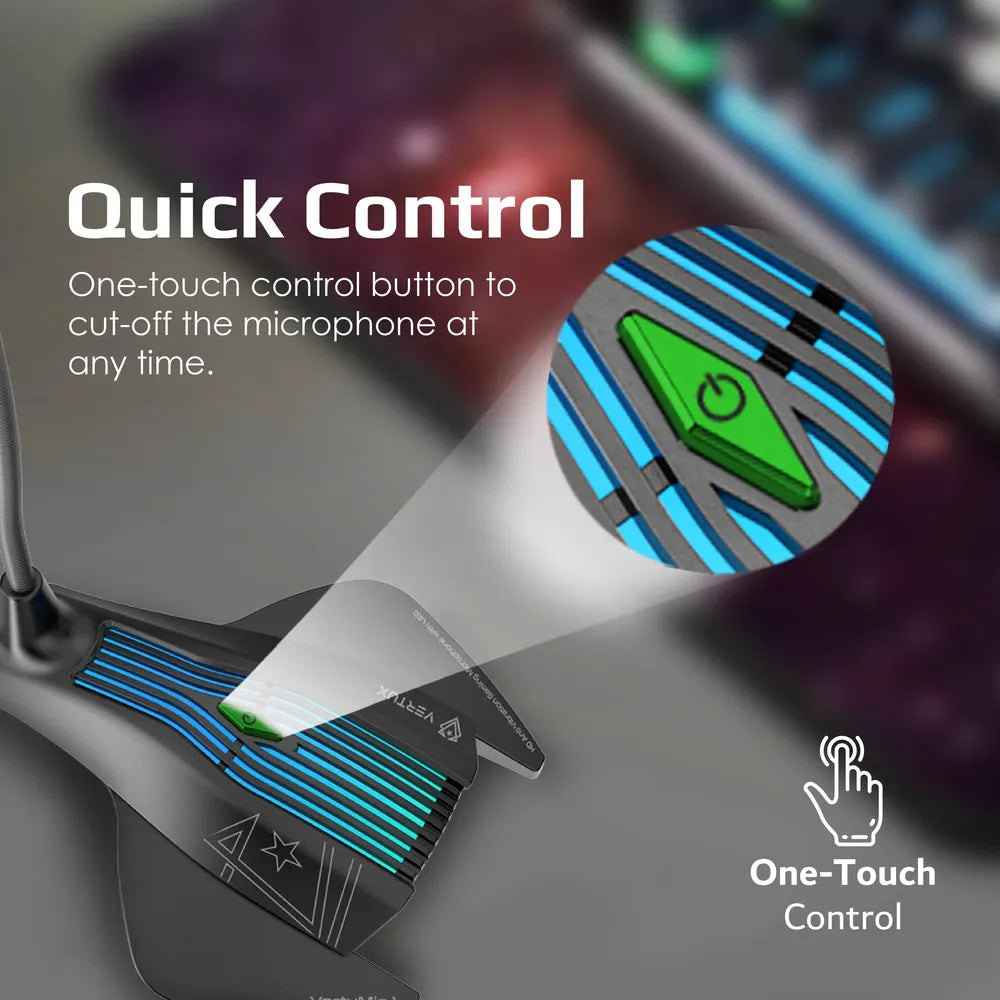
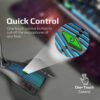
Also, the frequency response is 100Hz – 10kHz. The lighting is Integrated LED Effects. Also, the controls details are Physical Mute Button. The design is Gaming Aesthetic.
Check the connection type against the equipment you use for audio. Also, compare the stated microphone and control features with your intended task. For example, confirm whether your setup uses a wired connection or wireless pairing. Finally, review the selected model and any stated charging or battery requirements.
For the Vertux VertuMic-1 USB Gaming Microphone, keep the model details with your equipment records. Also, use the same reference when comparing accessories and replacement parts. This helps distinguish products with similar names when planning future purchases.
Product summary
The Vertux VertuMic-1 USB Gaming Microphone is a microphone. Microphone Type: Desktop Gaming Condenser; microphone pattern: Omnidirectional (360° Voice Capture).
Specifications
| Brand | Vertux |
|---|---|
| Model / supplier reference | VERTUMIC-1 |
| Microphone Type | Desktop Gaming Condenser |
| Microphone Pattern | Omnidirectional (360° Voice Capture) |
| Connectivity | Wired USB (Plug & Play) |
| Frequency Response | 100Hz – 10kHz |
| Lighting | Integrated LED Effects |
| Controls | Physical Mute Button |
| Design | Gaming Aesthetic |
| Color | Black |
Frequently asked questions
The Vertux VertuMic-1 USB Gaming Microphone is a microphone for listening, communication or audio capture as specified.
This microphone is for users setting up compatible audio equipment.
Microphone Type: Desktop Gaming Condenser.
Microphone Pattern: Omnidirectional (360° Voice Capture).
Connectivity: Wired USB (Plug & Play).
Check the connection type against the equipment you use for audio.
Explore Headphones & Microphones, Computer Accessories, Computers & Laptops.






Reviews
There are no reviews yet.