
Description
Description
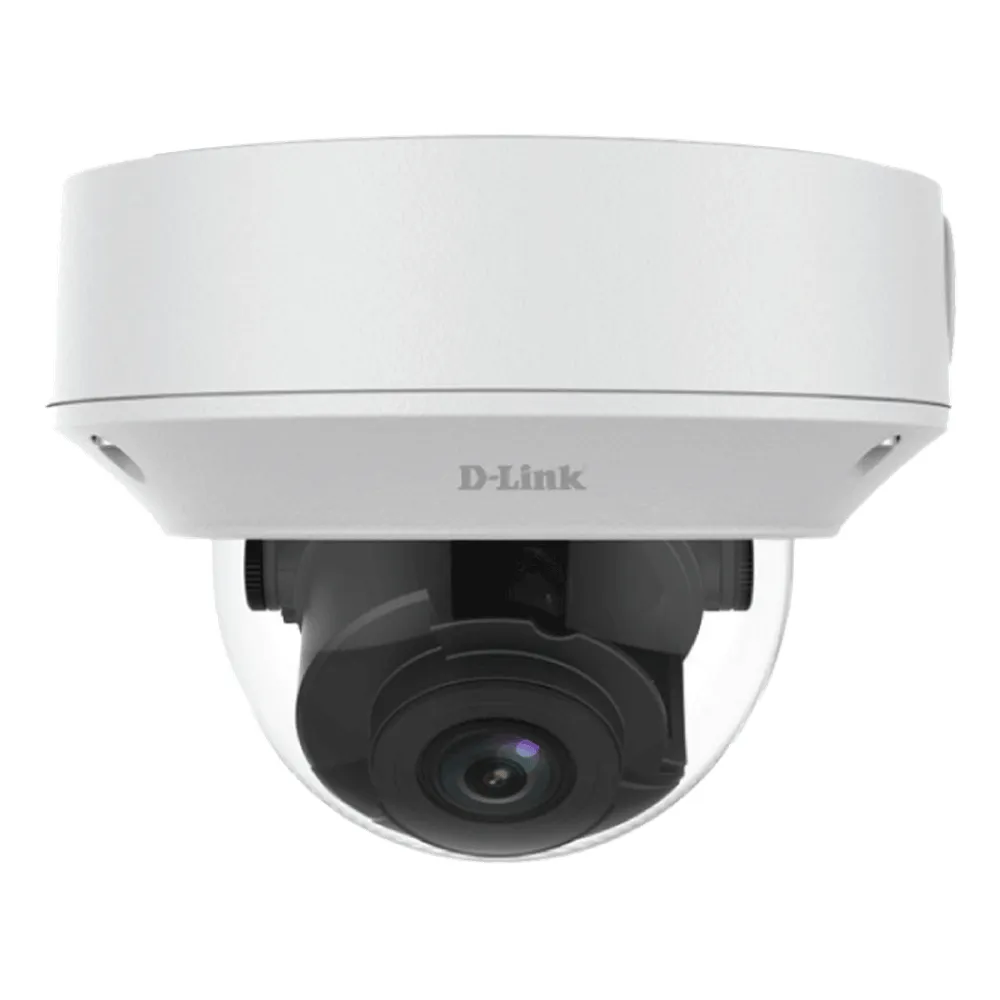
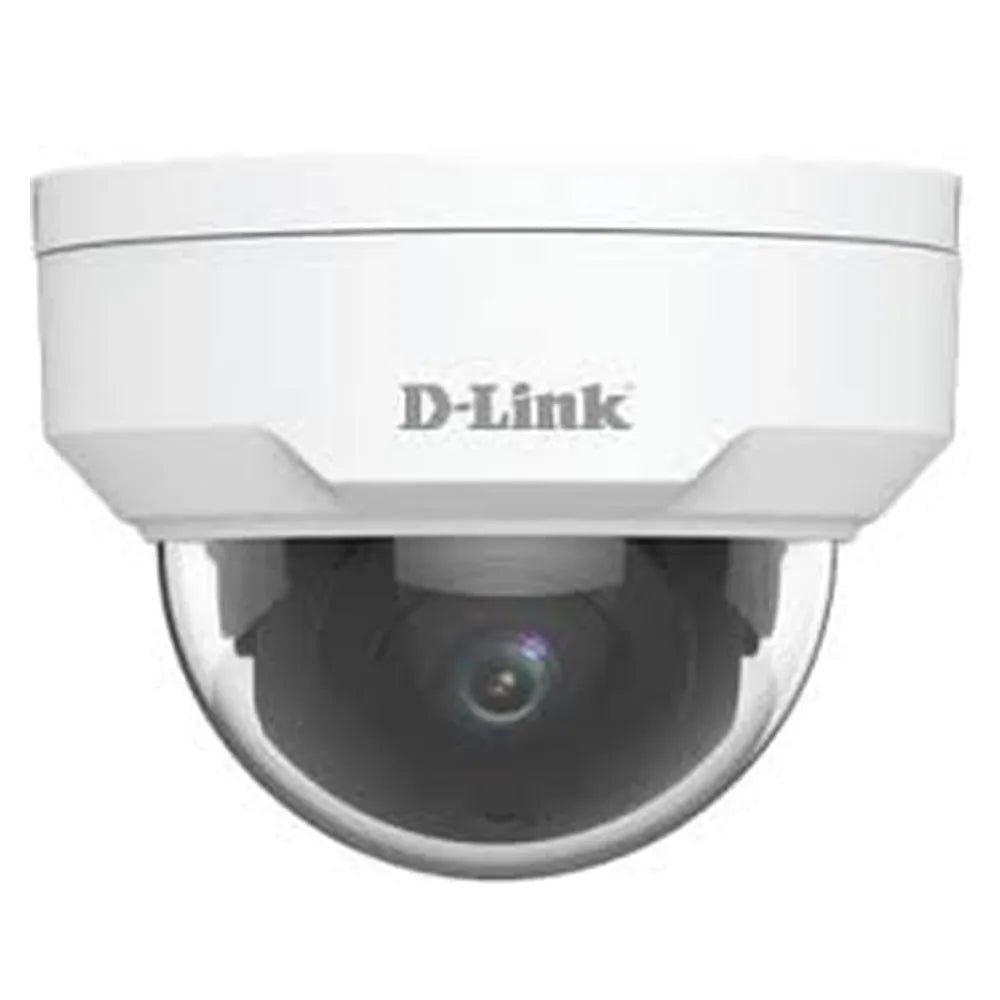
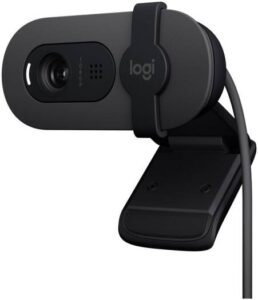
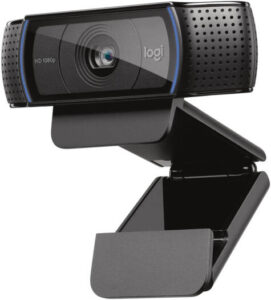
The D-Link DCS-F5622 webcam supports capturing video for a connected computer. This webcam is for people using compatible video applications.
The resolution is 1080p (1920×1080) @ 30fps. Also, the sensor & lens details are 1/2.7” 2MP Progressive Scan CMOS. The focus & fov is Autofocus / 112.7°~28.1° (H) / 60.1°~15.4° (V).
Also, the night vision is Smart IR up to 30 m (98 ft). The video compression is H.265, H.264, MJPEG. Also, the durability is IK10 Vandal-Resistant / IP67 Weatherproof. The power is DC 12V / PoE (IEEE 802.3af).
Check the camera connection against the ports on your computer. Also, compare the stated video settings with the requirements of your applications. For example, plan the camera position around your display and available lighting. Finally, follow the product instructions for mounting and software setup.
For the D-Link DCS-F5622 webcam, keep the model details with your equipment records. Also, use the same reference when comparing accessories and replacement parts. This helps distinguish products with similar names when planning future purchases.
Product summary
The D-Link DCS-F5622 webcam is a webcam. Resolution: 1080p (1920×1080) @ 30fps; sensor & lens: 1/2.7” 2MP Progressive Scan CMOS.
Specifications
| Brand | D-Link |
|---|---|
| Model / supplier reference | DCS-F5622 |
| Resolution | 1080p (1920×1080) @ 30fps |
| Sensor & Lens | 1/2.7” 2MP Progressive Scan CMOS |
| Focus & FOV | Autofocus / 112.7°~28.1° (H) / 60.1°~15.4° (V) |
| Night Vision | Smart IR up to 30 m (98 ft) |
| Video Compression | H.265, H.264, MJPEG |
| Durability | IK10 Vandal-Resistant / IP67 Weatherproof |
| Power | DC 12V / PoE (IEEE 802.3af) |
| Mounting | 3-Axis Dome Mount |
Frequently asked questions
The D-Link DCS-F5622 webcam is a webcam for capturing video for a connected computer.
This webcam is for people using compatible video applications.
Resolution: 1080p (1920×1080) @ 30fps.
Sensor & Lens: 1/2.7” 2MP Progressive Scan CMOS.
Focus & FOV: Autofocus / 112.7°~28.1° (H) / 60.1°~15.4° (V).
Check the camera connection against the ports on your computer.
Explore Webcams, Computer Accessories, Computers & Laptops.





Reviews
There are no reviews yet.