


Description
Description
Product overview
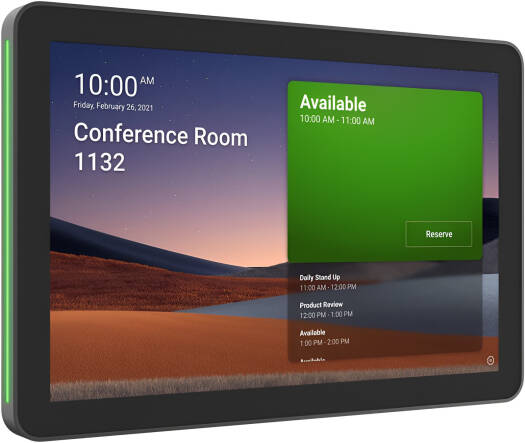
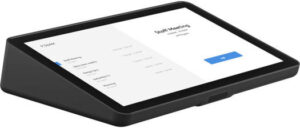
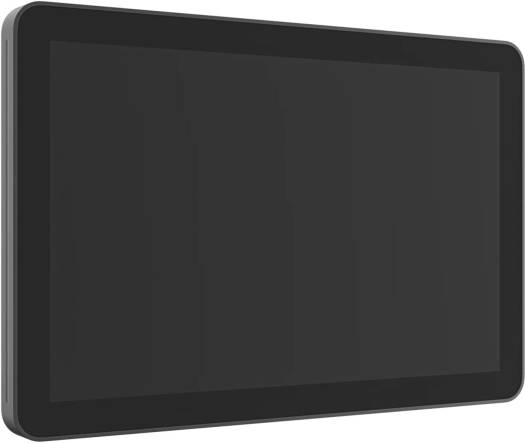
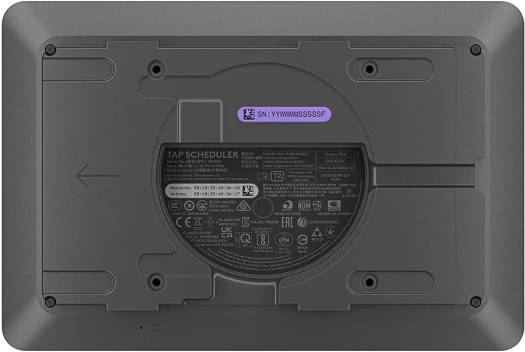
Logitech Video Collaboration Tap Scheduler for a compatible meeting-room system.
Configuration and features: 10.1" Anti-Fingerprint Touchscreen; Wall Mountable; Wi-Fi 5 (802.11ac) & 10/100 Ethernet; Integrated Data Security; Works with MS Teams; Black.
Product details: screen size: 10.1” (256.54 mm) diagonal; display type: IPS (In-Plane Switching) LCD Panel with LED Backlighting; resolution: 1280 x 800; touch technology: Capacitive, 10 points multi-touch.
Specifications
| Brand | Logitech |
|---|---|
| Product reference | 952-000091 |
| Product type | conferencing accessory |
| Screen size | 10.1” (256.54 mm) diagonal |
| Display type | IPS (In-Plane Switching) LCD Panel with LED Backlighting |
| Resolution | 1280 x 800 |
| Touch technology | Capacitive, 10 points multi-touch |
| Brightness | 400 nits |
| Contrast | 1000:1 |
| Anti fingerprint | Oleophobic coating |
| Viewing angle | 85° (up/down/left/right) |
| Position angle | 0 degrees (flat on mounting surface) |
| Sensors | Integrated accelerometer, Integrated ambient light sensor |
| Mounting pattern | 100 mm x 100 mm VESA FDMI |
| Cable exits | Horizontal / Vertical / Center |
| Compatibility | Logitech Room Booking, Microsoft Teams Panel, Zoom Rooms Scheduling Display, Robin-Powered scheduling panel, Appspace, RICOH Spaces |
| Title configuration | 10.1" Anti-Fingerprint Touchscreen; Wall Mountable; Wi-Fi 5 (802.11ac) & 10/100 Ethernet; Integrated Data Security; Works with MS Teams; Black |
Choosing this product
Match the exact conferencing platform, connection and mounting requirements. Check the stated included components.
Ordering in the UAE
Review the OfficeShark shipping policy for delivery terms.