


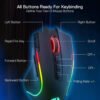
Description
Description
The Redragon M612 Predator Pro Wireless Gaming Mouse M612RGB-PRO supports controlling a compatible computer. This mouse is for office and home computer users.
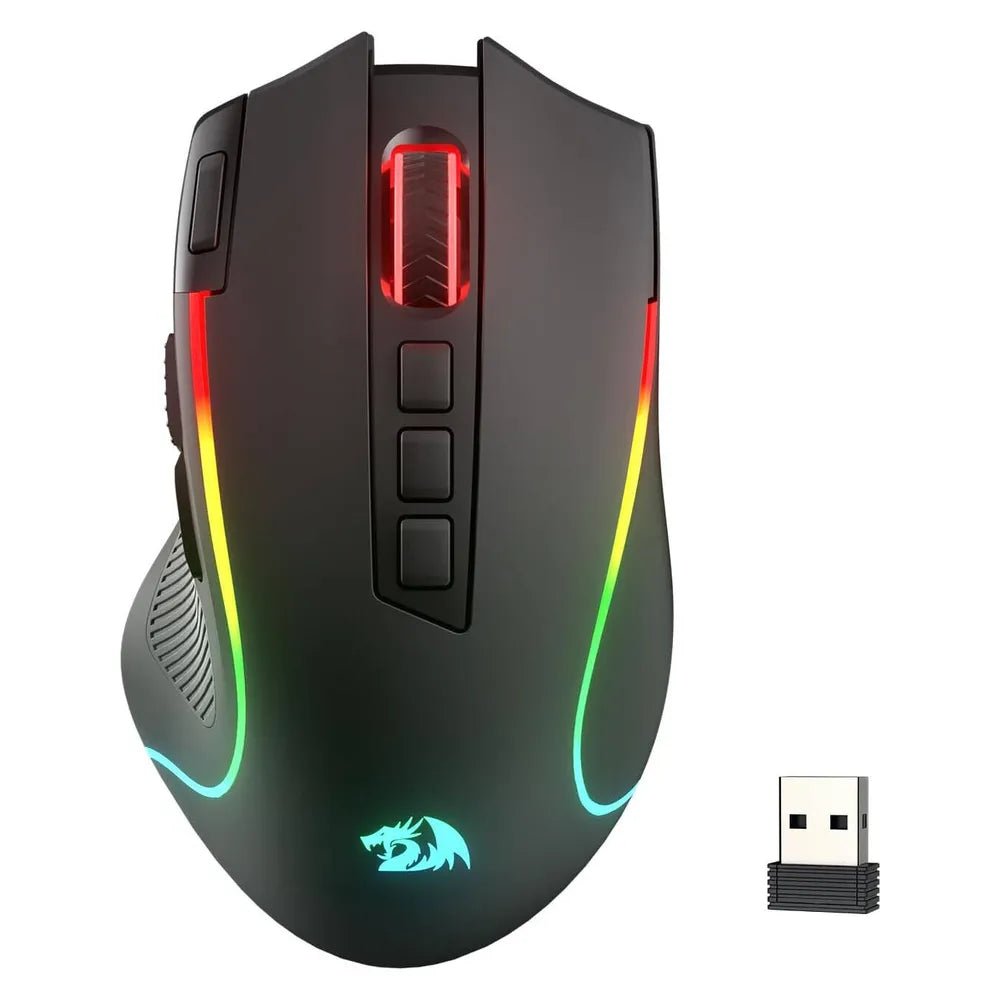
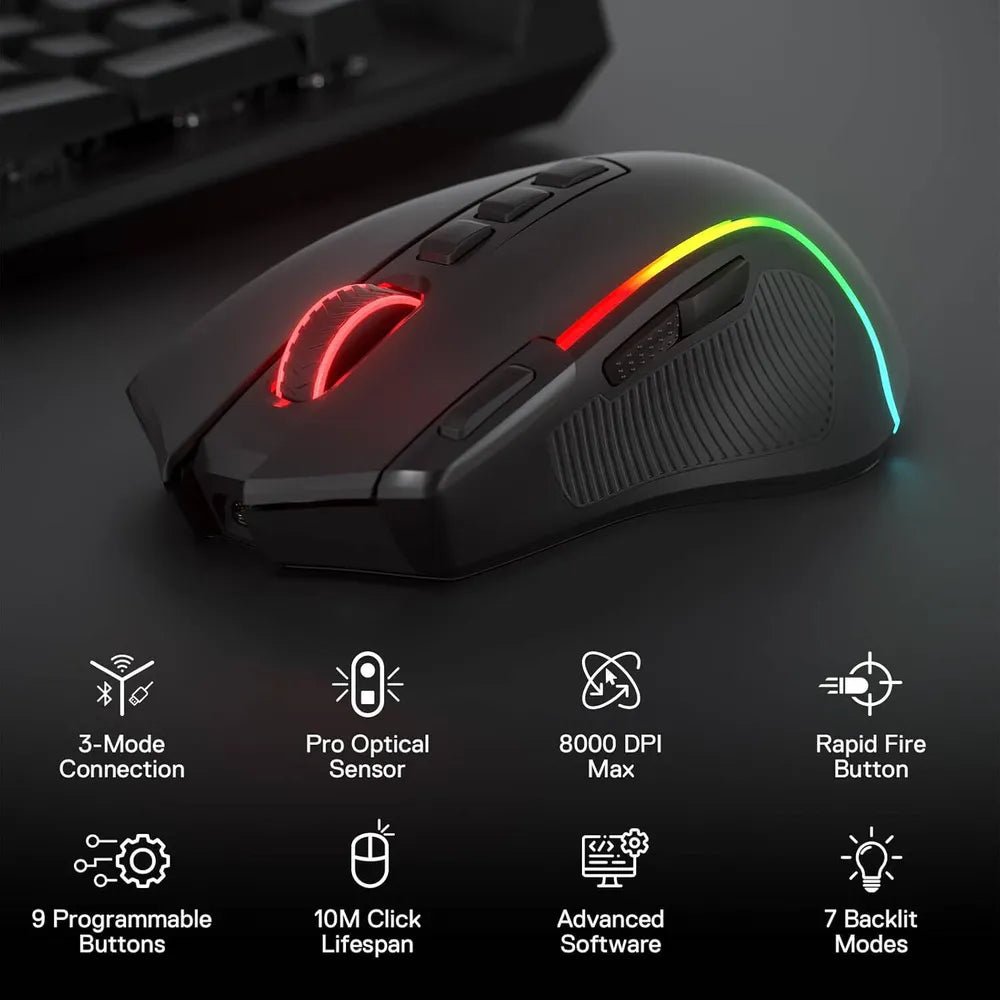
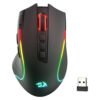
The shape is Right-Handed Ergonomic. Also, the connectivity is 3-Mode (2.4GHz Wireless, Bluetooth, USB-C Wired). The sensor is High-Precision Optical Sensor.
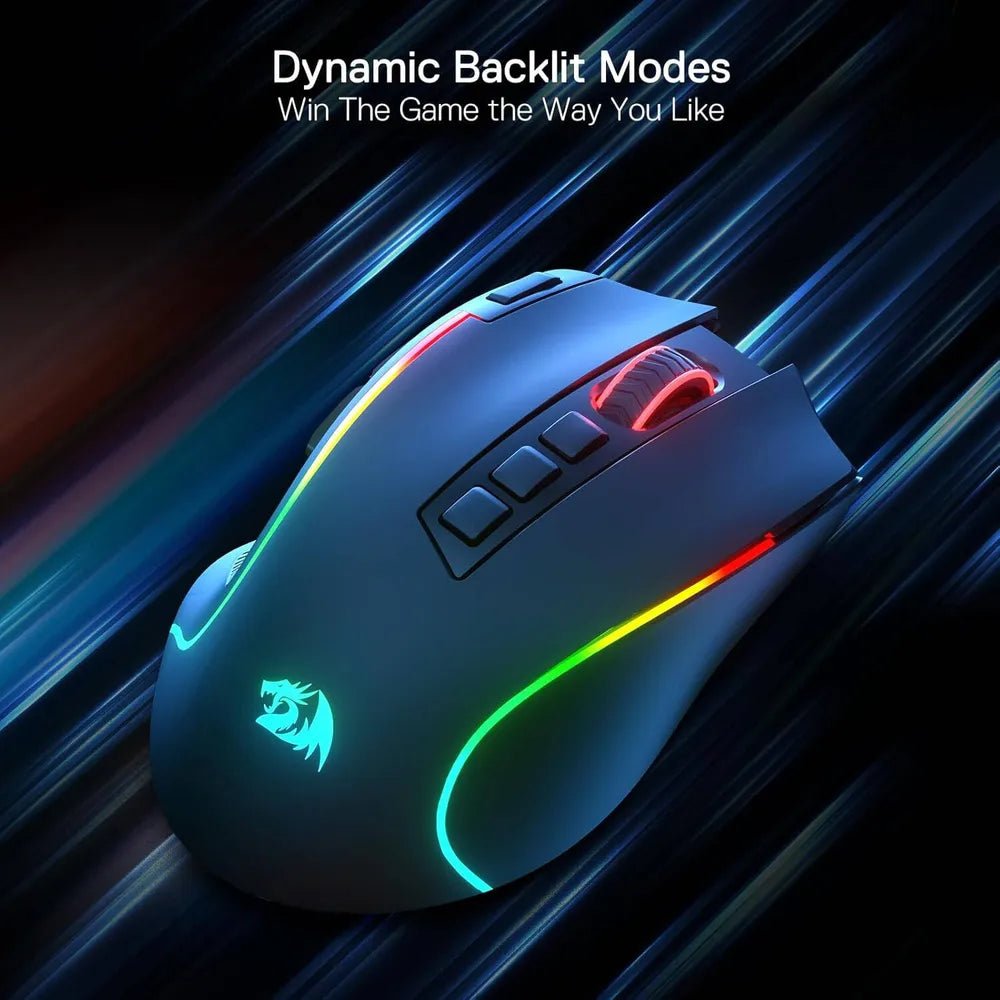
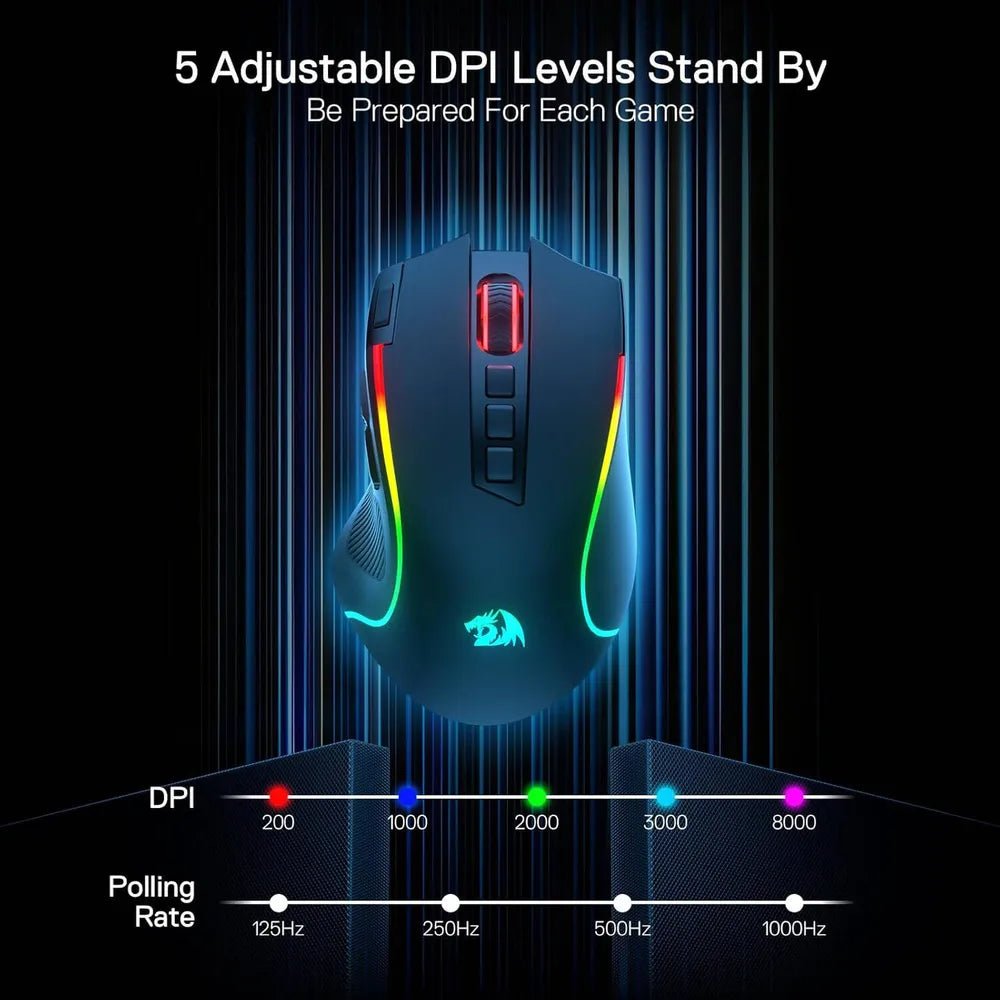
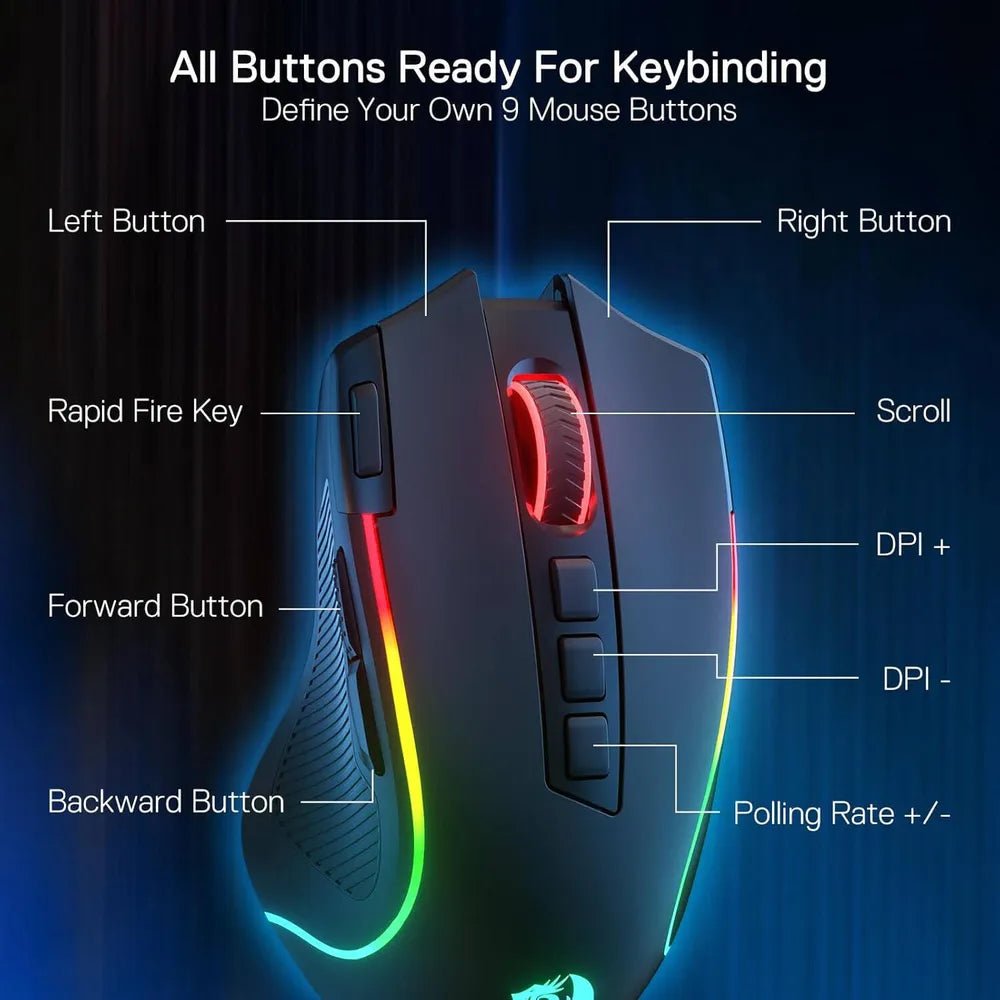
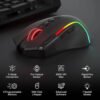
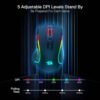
Also, the polling rate is 125–1000 Hz. The max dpi is Up to 8000 DPI. Also, the programmable buttons details are 9 (Including Rapid Fire Button). The backlight is RGB with 7 Backlit Modes.
Check the connection type against the ports or wireless features on your computer. Also, compare the layout and dimensions with your working preferences. For example, check the stated package contents when a wireless receiver is required. Finally, follow the device instructions for pairing, charging or battery replacement.
For the Redragon M612 Predator Pro Wireless Gaming Mouse M612RGB-PRO, keep the model details with your equipment records. Also, use the same reference when comparing accessories and replacement parts. This helps distinguish products with similar names when planning future purchases.
Product summary
The Redragon M612 Predator Pro Wireless Gaming Mouse M612RGB-PRO is a mouse. Shape: Right-Handed Ergonomic; connectivity: 3-Mode (2.4GHz Wireless, Bluetooth, USB-C Wired).
Specifications
| Brand | Redragon |
|---|---|
| Model / supplier reference | M612RGB-PRO |
| Shape | Right-Handed Ergonomic |
| Connectivity | 3-Mode (2.4GHz Wireless, Bluetooth, USB-C Wired) |
| Sensor | High-Precision Optical Sensor |
| Polling Rate | 125–1000 Hz |
| Max DPI | Up to 8000 DPI |
| Programmable Buttons | 9 (Including Rapid Fire Button) |
| Backlight | RGB with 7 Backlit Modes |
| Color | Black |
Frequently asked questions
The Redragon M612 Predator Pro Wireless Gaming Mouse M612RGB-PRO is a mouse for controlling a compatible computer.
This mouse is for office and home computer users.
Shape: Right-Handed Ergonomic.
Connectivity: 3-Mode (2.4GHz Wireless, Bluetooth, USB-C Wired).
Sensor: High-Precision Optical Sensor.
Check the connection type against the ports or wireless features on your computer.
Explore Keyboards & Mice, Computer Accessories, Computers & Laptops.