
Description
Description
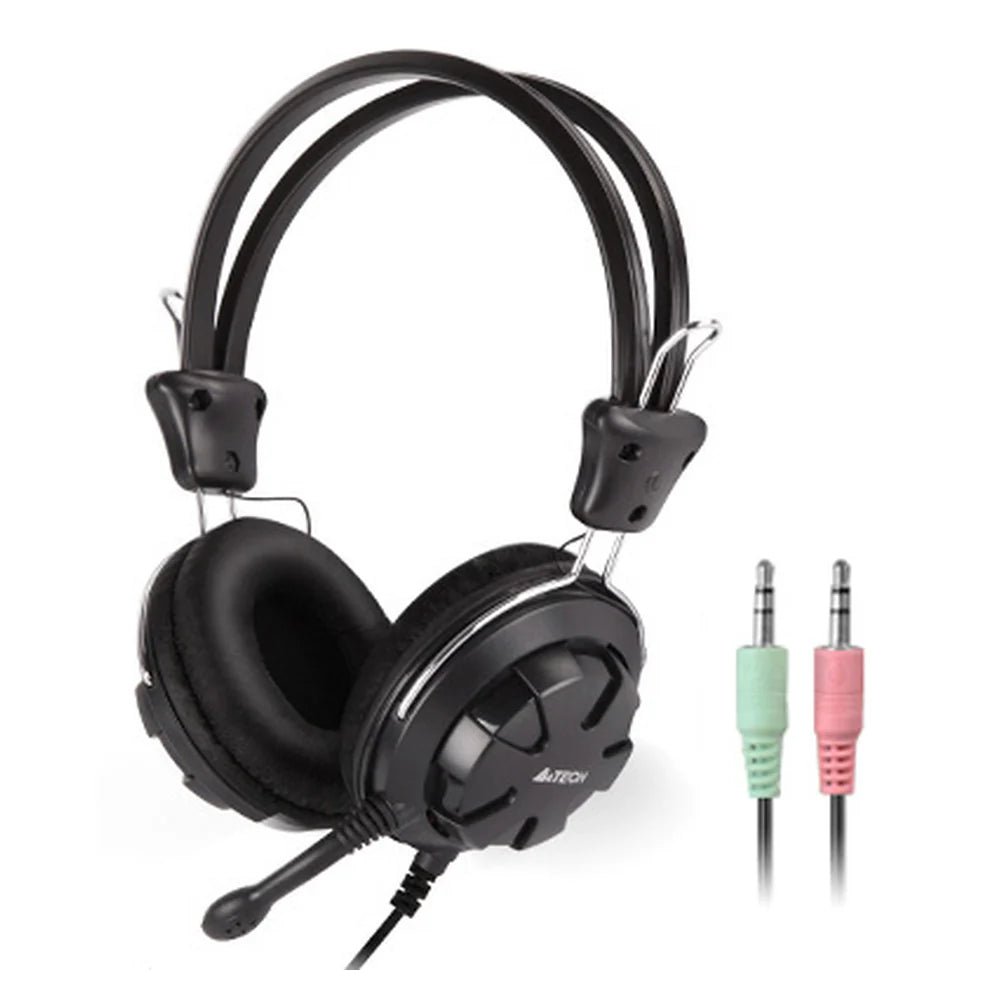
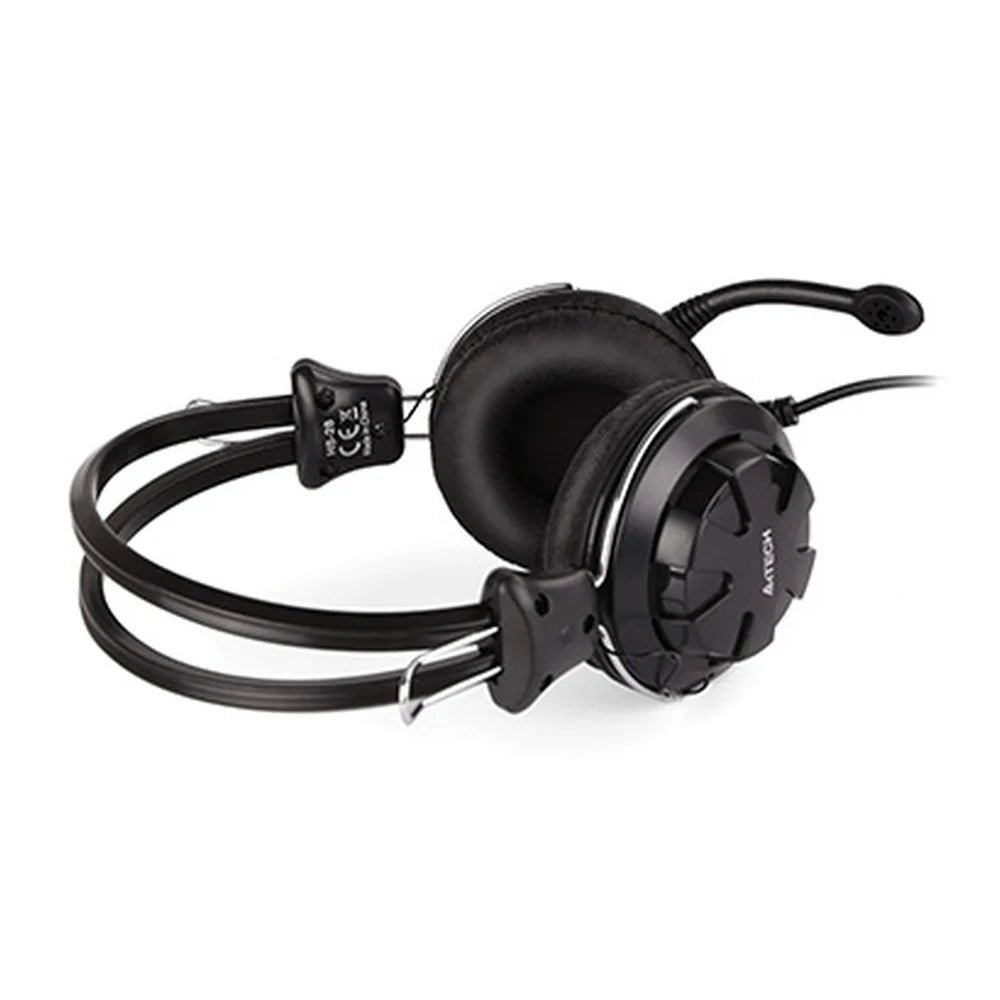
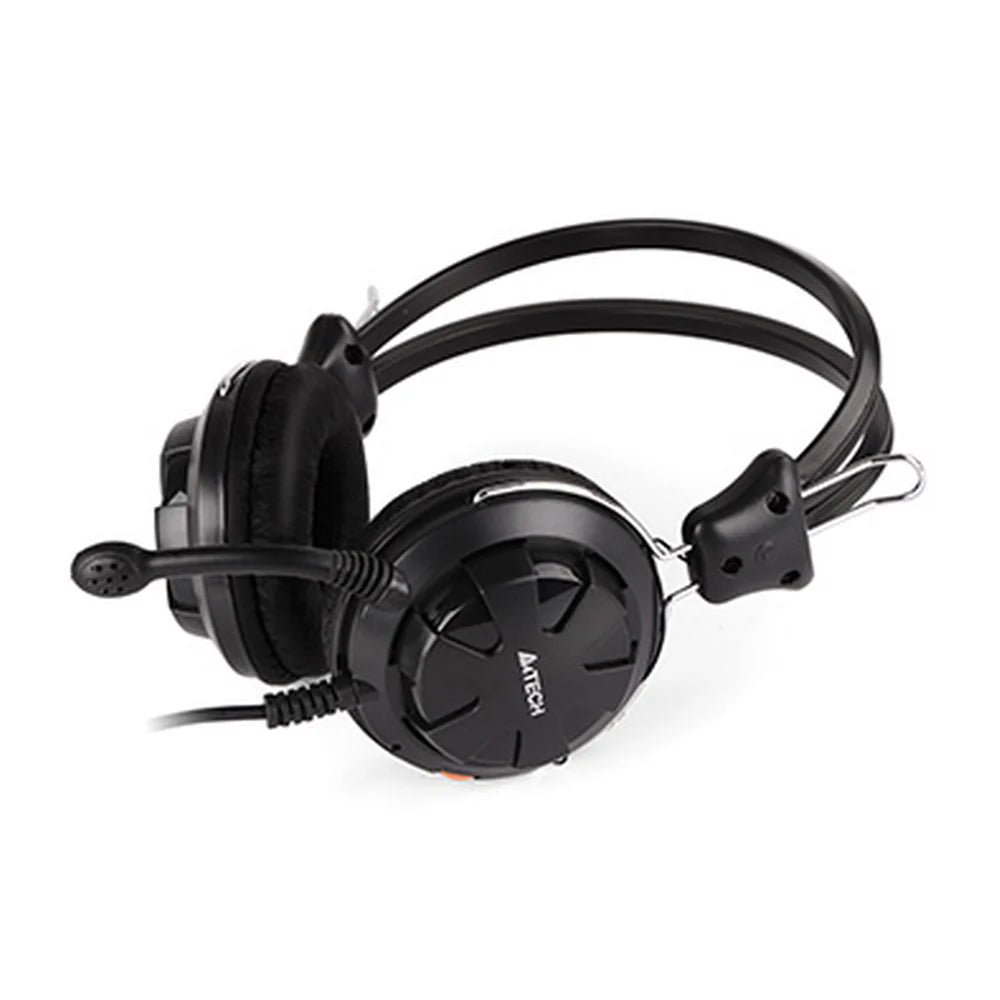
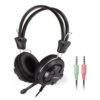
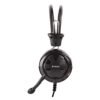
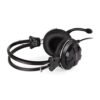
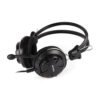
The A4Tech HS-28 Wired Headset supports listening, communication or audio capture as specified. This headset is for users setting up compatible audio equipment.
The connectivity is Wired – USB. Also, the driver size is 40 mm. The microphone type is In-Line Omnidirectional Microphone.
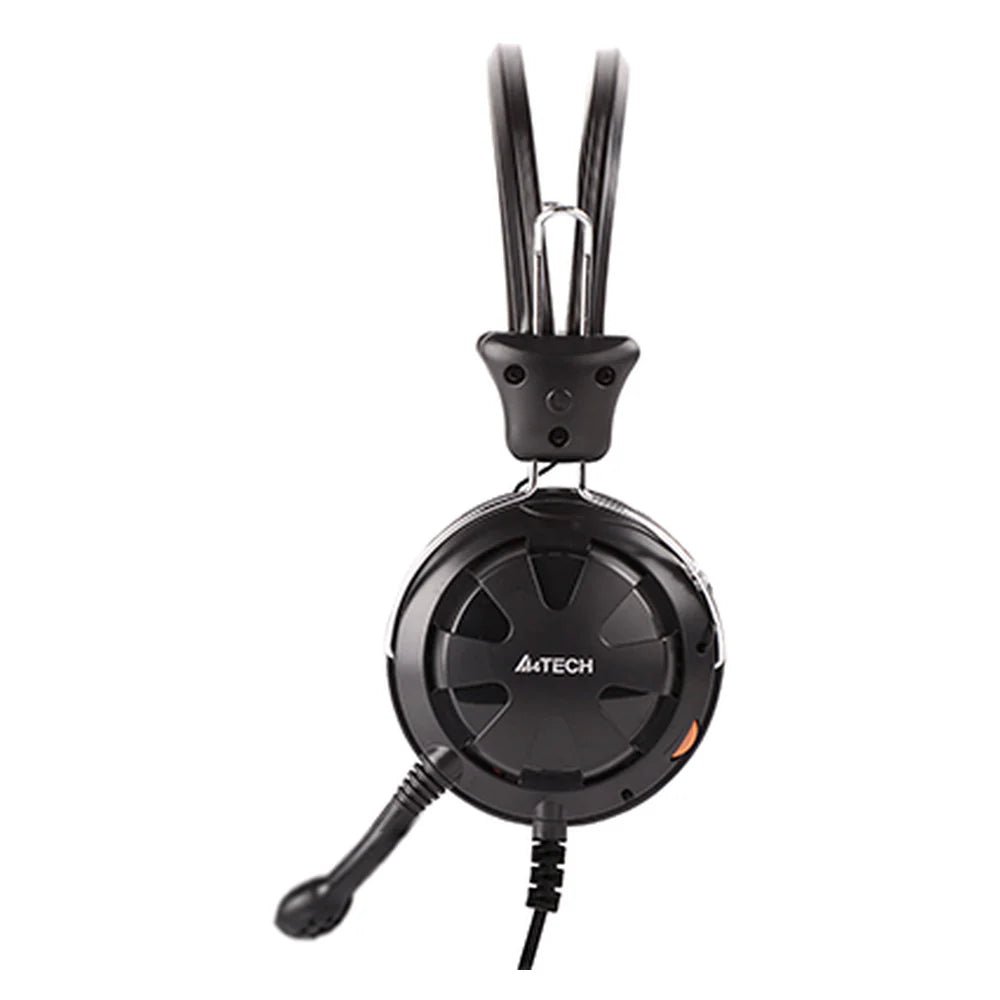
Also, the microphone features details are Noise-Canceling. The audio controls details are On-Earcap Volume Control Knob. Also, the color is Black.
Check the connection type against the equipment you use for audio. Also, compare the stated microphone and control features with your intended task. For example, confirm whether your setup uses a wired connection or wireless pairing. Finally, review the selected model and any stated charging or battery requirements.
For the A4Tech HS-28 Wired Headset, keep the model details with your equipment records. Also, use the same reference when comparing accessories and replacement parts. This helps distinguish products with similar names when planning future purchases.
Before ordering, compare the complete model reference with the item you intend to use or replace. Also, review the listed specifications together, since a single feature does not describe the full configuration. Finally, use the specification table below to check the details that matter for your equipment and working setup.
Product summary
The A4Tech HS-28 Wired Headset is a headset. Connectivity: Wired – USB; driver size: 40 mm.
Specifications
| Brand | A4TECH |
|---|---|
| Model / supplier reference | HS-28 |
| Connectivity | Wired – USB |
| Driver Size | 40 mm |
| Microphone Type | In-Line Omnidirectional Microphone |
| Microphone Features | Noise-Canceling |
| Audio Controls | On-Earcap Volume Control Knob |
| Color | Black |
Frequently asked questions
The A4Tech HS-28 Wired Headset is a headset for listening, communication or audio capture as specified.
This headset is for users setting up compatible audio equipment.
Connectivity: Wired – USB.
Driver Size: 40 mm.
Microphone Type: In-Line Omnidirectional Microphone.
Check the connection type against the equipment you use for audio.
Explore Headphones & Microphones, Computer Accessories, Computers & Laptops.





Reviews
There are no reviews yet.