


Description
Description
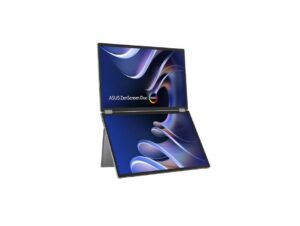
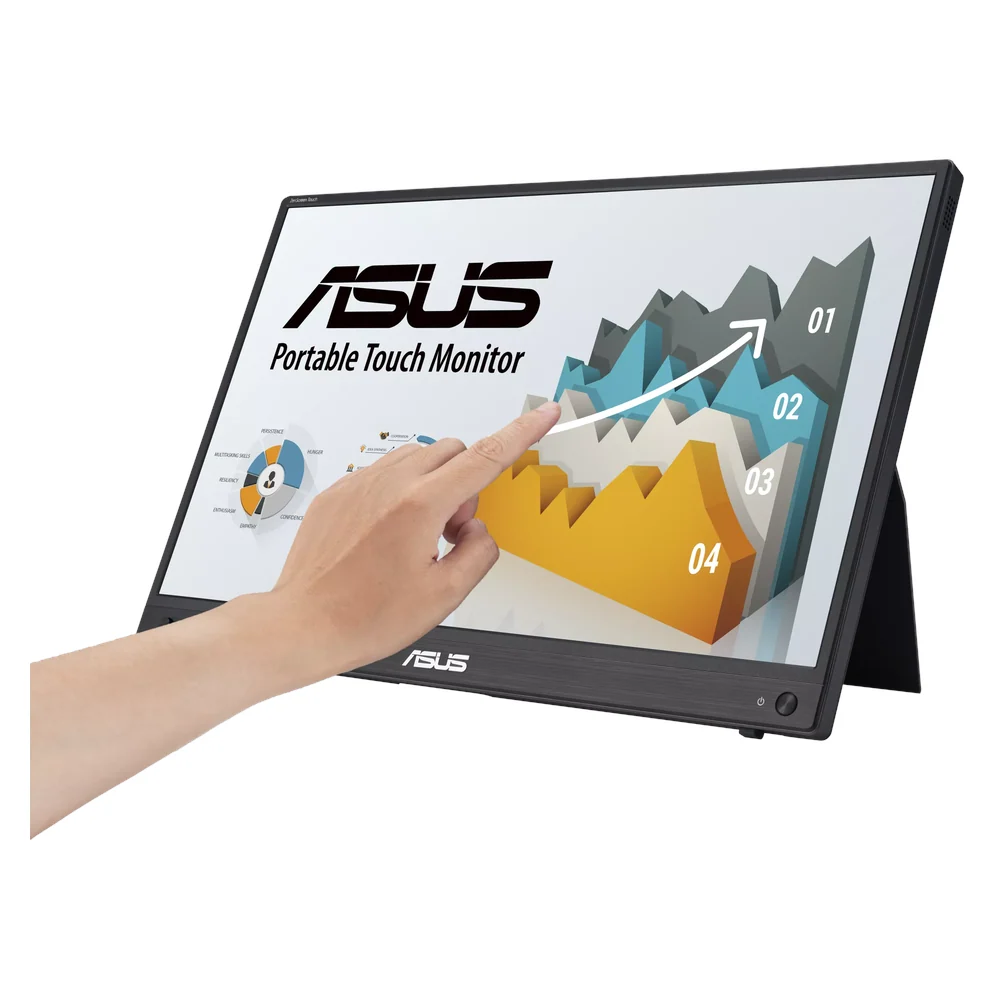
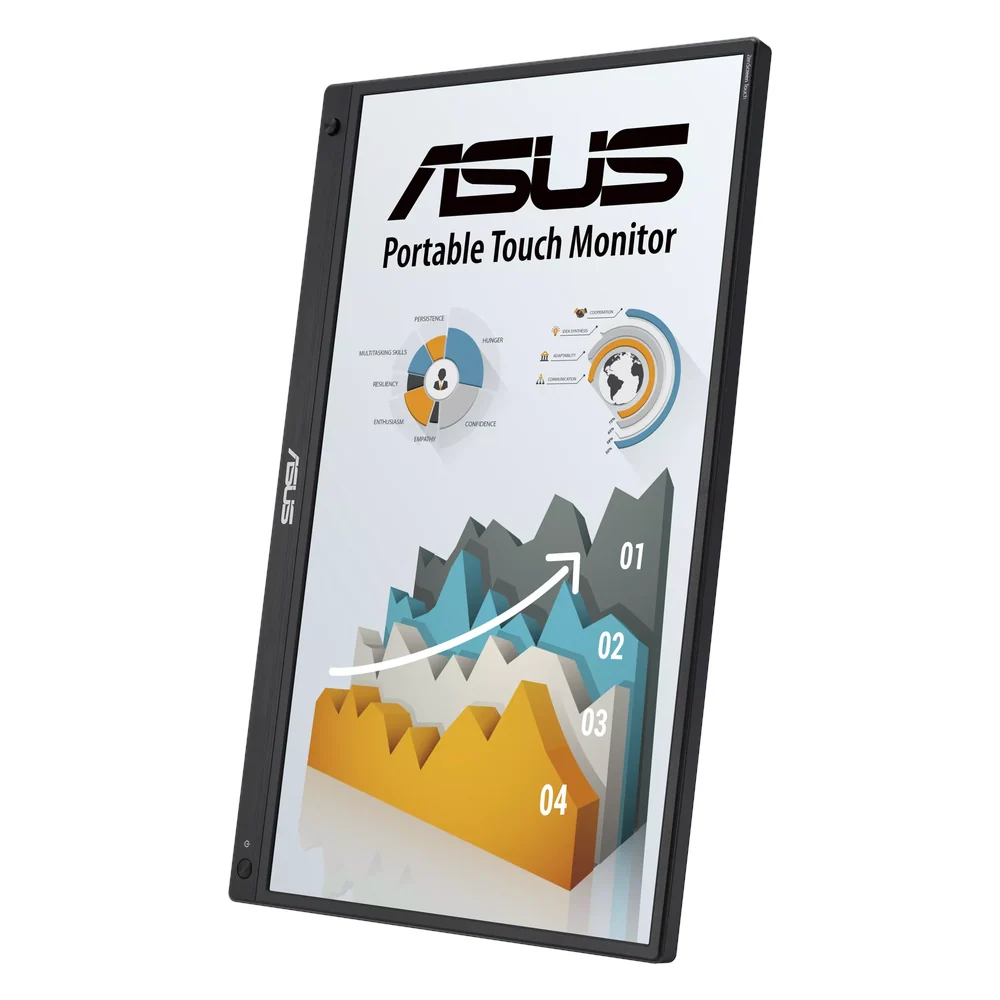
The ASUS MB16AMTR monitor supports showing visual output from compatible equipment. This monitor is for users arranging computer or presentation displays.
The panel size is 15.6-inch. Also, the resolution is FHD (1920 × 1080). The refresh rate is 60Hz.
Also, the panel type is IPS. The touchscreen is 10-Point Capacitive Touch. Also, the brightness details are 250 nits. The response time is 5ms GTG.
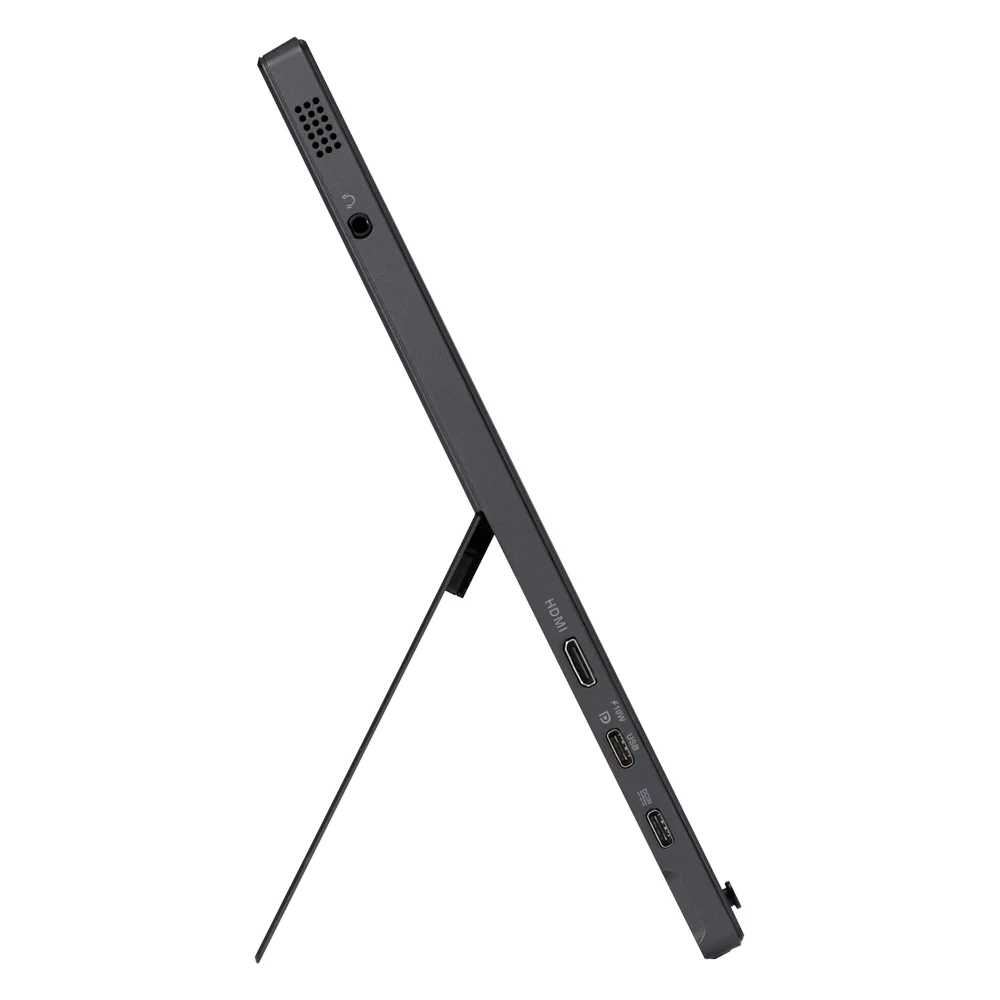
Compare the display dimensions with your workspace and viewing position. Also, check the stated input connections against the equipment you plan to use. For example, confirm any mounting requirements before selecting a support. Finally, follow the product instructions for installation and display settings.
For the ASUS MB16AMTR monitor, keep the model details with your equipment records. Also, use the same reference when comparing accessories and replacement parts. This helps distinguish products with similar names when planning future purchases.
Before ordering, compare the complete model reference with the item you intend to use or replace. Also, review the listed specifications together, since a single feature does not describe the full configuration. Finally, use the specification table below to check the details that matter for your equipment and working setup.
Product summary
The ASUS MB16AMTR monitor is a monitor. Panel Size: 15.6-inch; resolution: FHD (1920 × 1080).
Specifications
| Brand | ASUS |
|---|---|
| Model / supplier reference | MB16AMTR |
| Panel Size | 15.6-inch |
| Resolution | FHD (1920 × 1080) |
| Refresh Rate | 60Hz |
| Panel Type | IPS |
| Touchscreen | 10-Point Capacitive Touch |
| Brightness | 250 nits |
| Response Time | 5ms GTG |
| Surface | Anti-glare |
| Battery | 7800mAh |
Frequently asked questions
The ASUS MB16AMTR monitor is a monitor for showing visual output from compatible equipment.
This monitor is for users arranging computer or presentation displays.
Panel Size: 15.6-inch.
Resolution: FHD (1920 × 1080).
Refresh Rate: 60Hz.
Compare the display dimensions with your workspace and viewing position.
Explore Monitors, Desktops & Monitors, Computers & Laptops.