
Description
Description
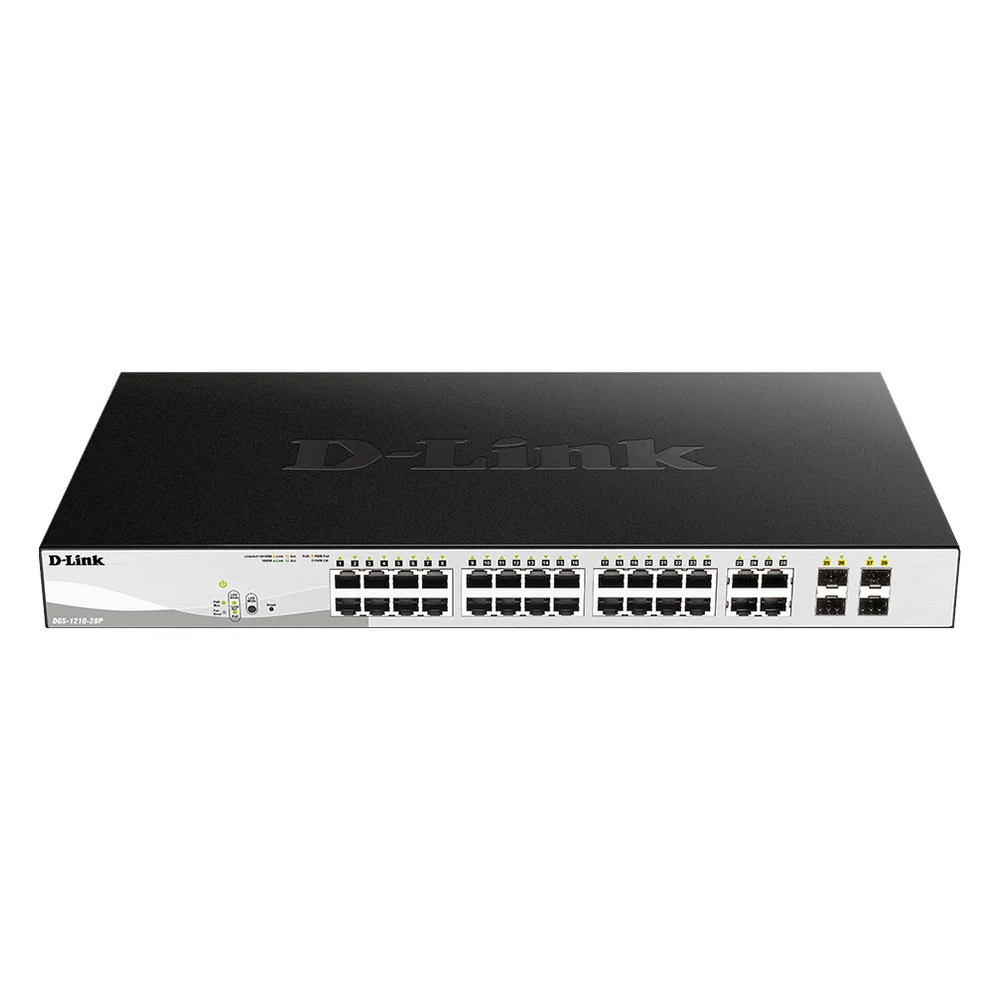
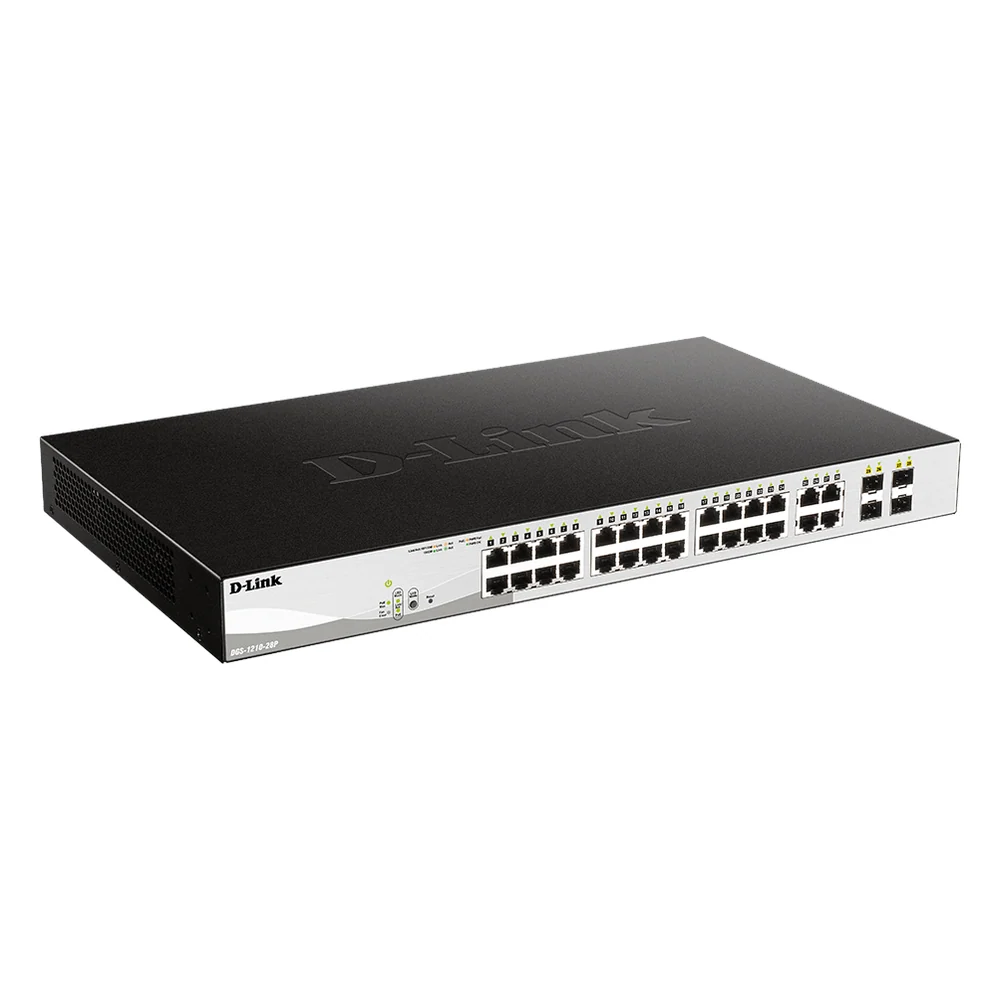
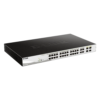
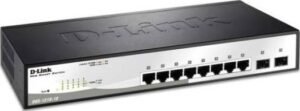
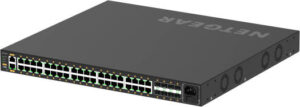
The D-Link 28-Port Smart Managed PoE Switch DGS-1210-28P supports connecting or extending compatible network equipment. This networking product is for users setting up office or home networks.
The type is Smart Managed PoE Switch. Also, the ports details are 24 x 10/100/1000 Mbps PoE + 4 x Gigabit/SFP Combo. The poe ports details are 24.
Also, the poe power budget is 193W. The switching capacity is 56Gbps. Also, the mac address table is 8,000 Entries. The memory is 128MB DDR3 + 32MB Flash.
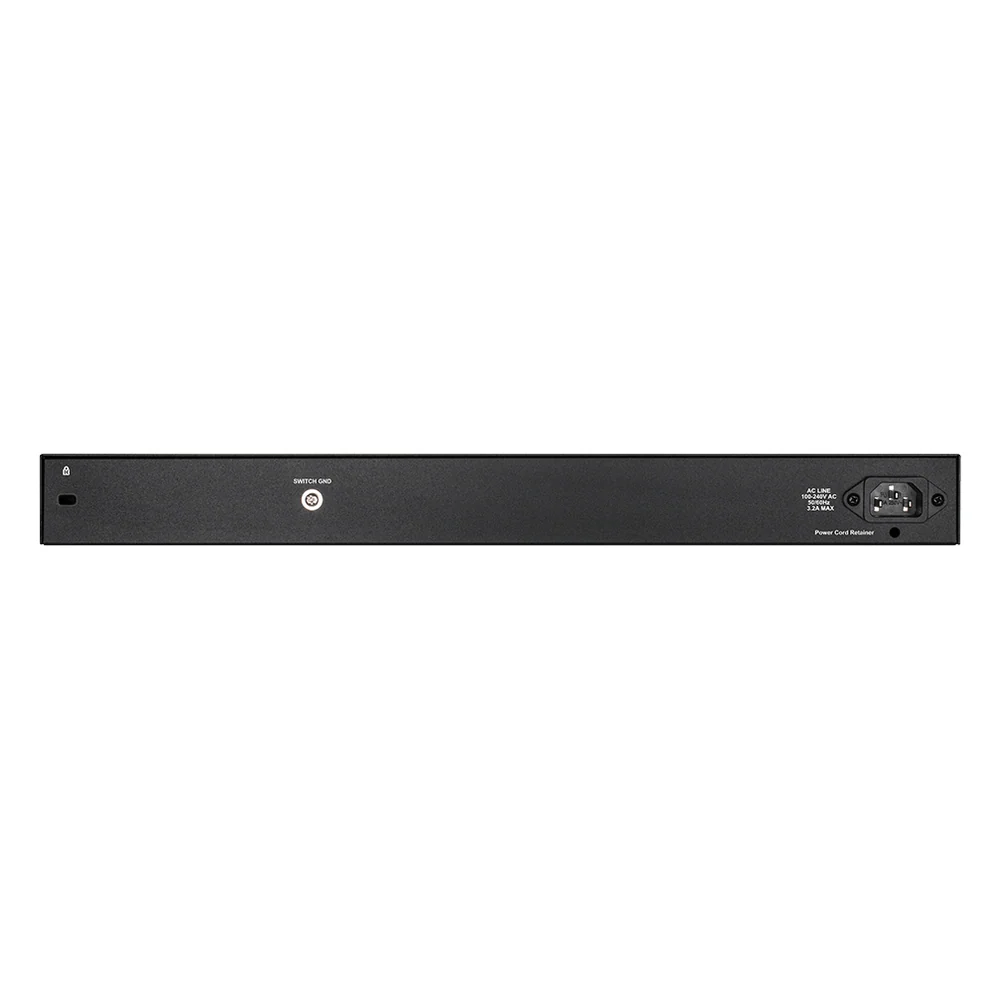
Compare the interface and network requirements with your existing equipment. Also, plan where the device will connect before choosing the installation position. For example, check the available ports and any stated power requirements. Finally, follow the product instructions for configuration and access settings.
For the D-Link 28-Port Smart Managed PoE Switch DGS-1210-28P, keep the model details with your equipment records. Also, use the same reference when comparing accessories and replacement parts. This helps distinguish products with similar names when planning future purchases.
Product summary
The D-Link 28-Port Smart Managed PoE Switch DGS-1210-28P is a networking product. Type: Smart Managed PoE Switch; ports: 24 x 10/100/1000 Mbps PoE + 4 x Gigabit/SFP Combo.
Specifications
| Brand | D-Link |
|---|---|
| Model / supplier reference | DGS-1210-28P |
| Type | Smart Managed PoE Switch |
| Ports | 24 x 10/100/1000 Mbps PoE + 4 x Gigabit/SFP Combo |
| PoE Ports | 24 |
| PoE Power Budget | 193W |
| Switching Capacity | 56Gbps |
| MAC Address Table | 8,000 Entries |
| Memory | 128MB DDR3 + 32MB Flash |
| Features | Auto MDI/MDIX, Store-and-Forward |
Frequently asked questions
The D-Link 28-Port Smart Managed PoE Switch DGS-1210-28P is a networking product for connecting or extending compatible network equipment.
This networking product is for users setting up office or home networks.
Type: Smart Managed PoE Switch.
Ports: 24 x 10/100/1000 Mbps PoE + 4 x Gigabit/SFP Combo.
PoE Ports: 24.
Compare the interface and network requirements with your existing equipment.
Explore Switches, Networking Devices, Office & Networking.









Reviews
There are no reviews yet.