



Description
Description
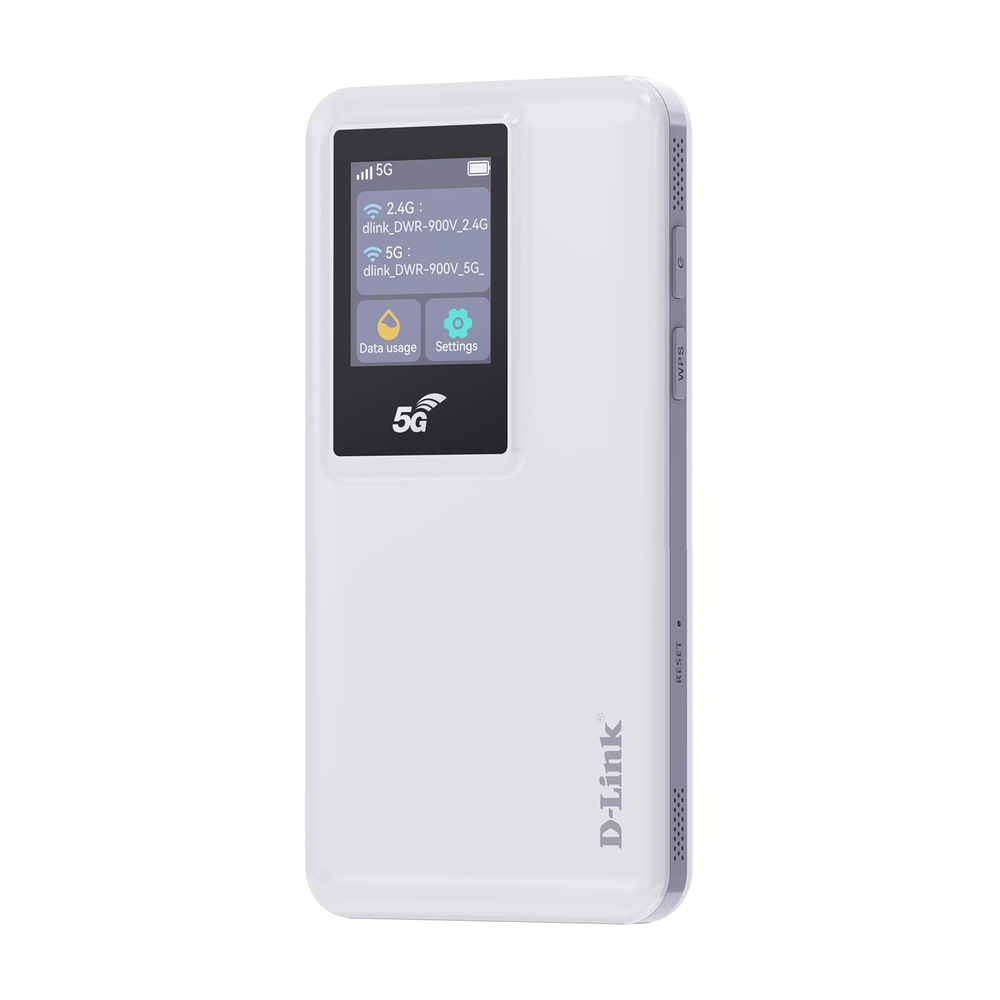
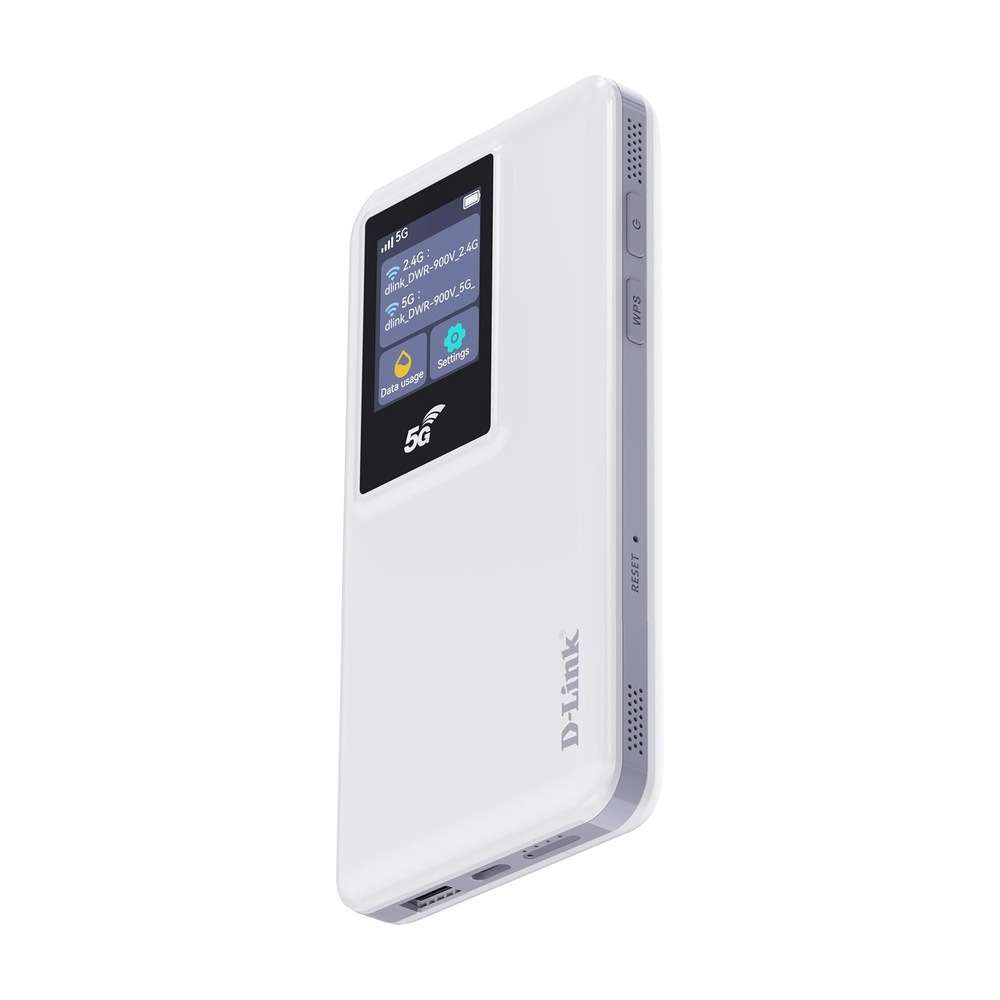
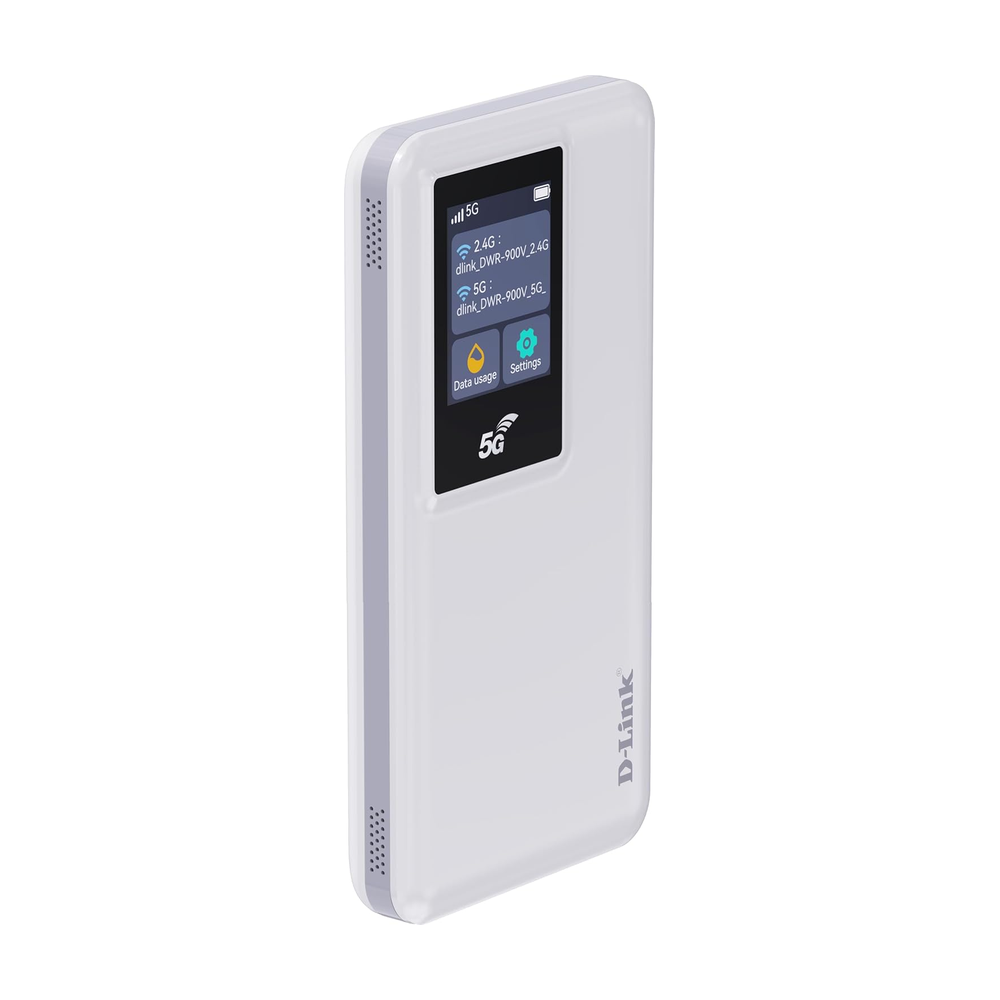
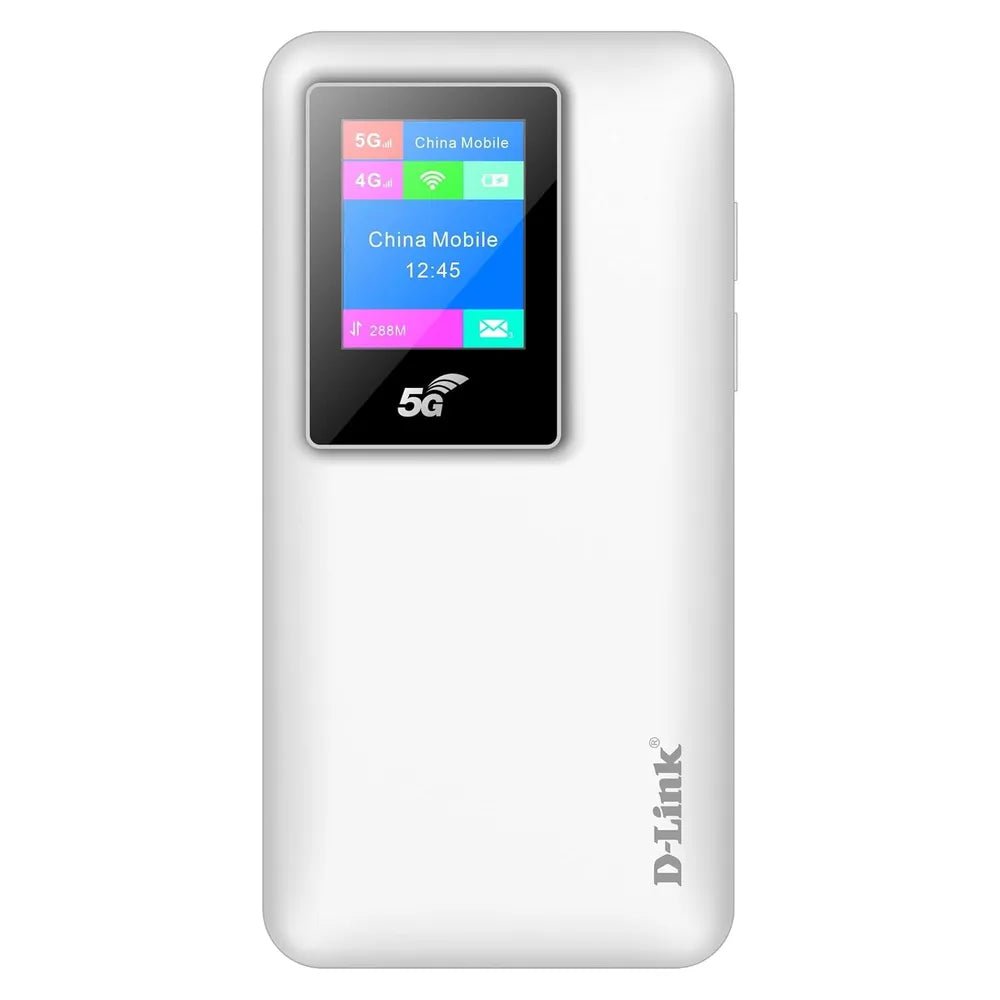
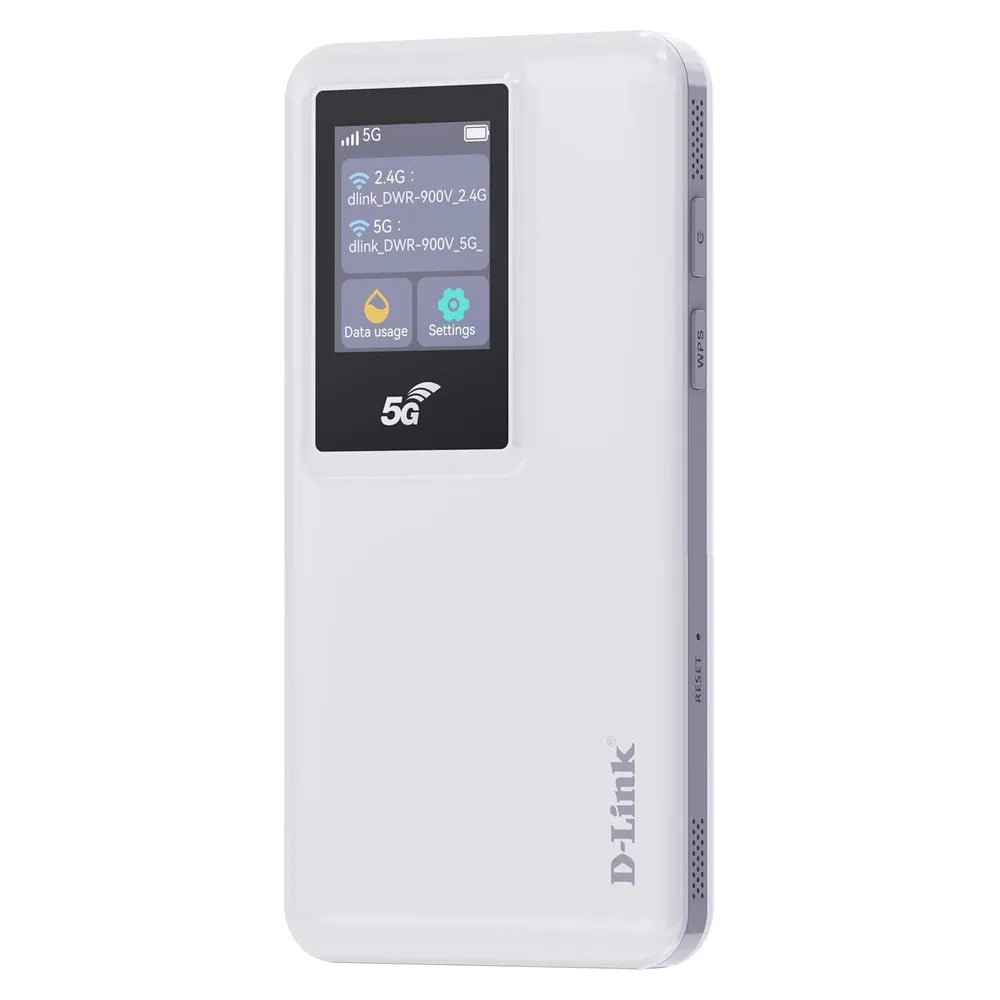
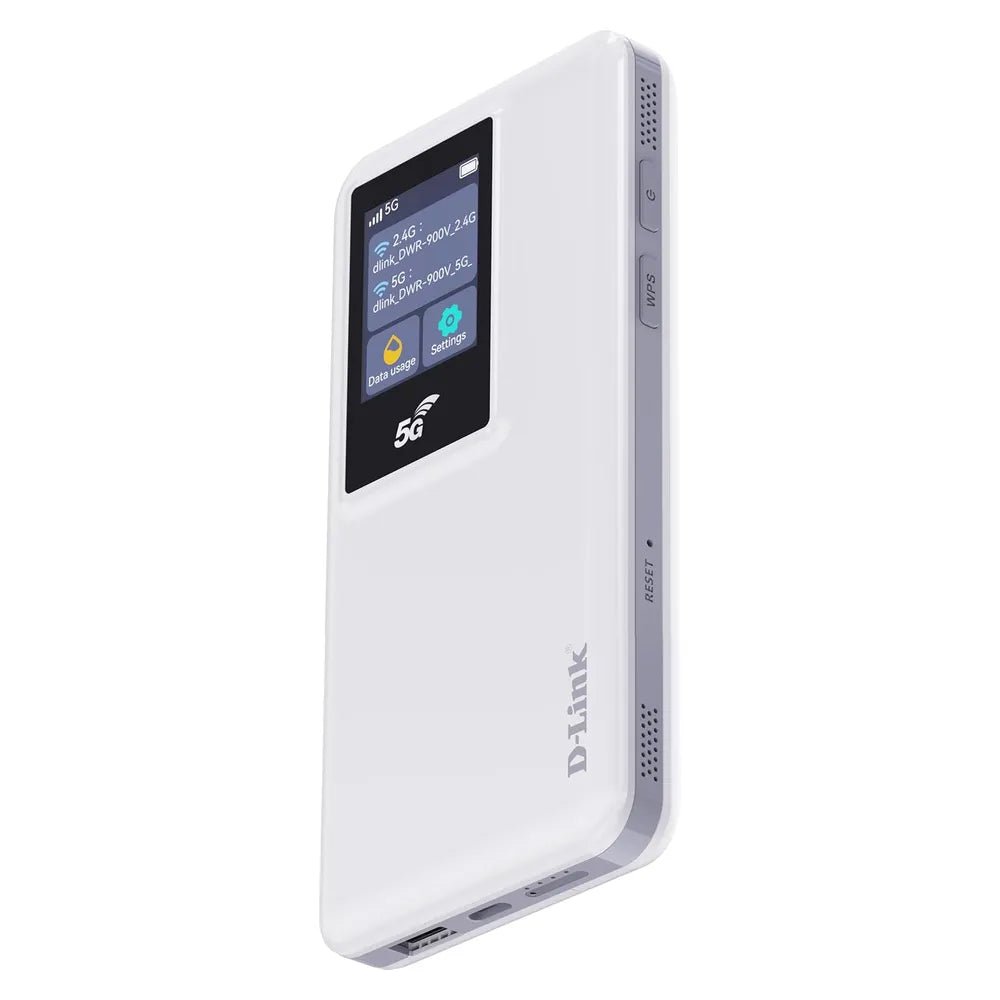
The D-Link 5G Mi-Fi Router DWR-900V supports connecting or extending compatible network equipment. This networking product is for users setting up office or home networks.
The antennatype is Internal Antennas. Also, the download speed is Up To 4.6 Gbps. The upload speed is Up To 1.25 Gbps.
Also, the feature is LCD Colored Display. The feature is Rechargeable 10000 mAh Li-ion Battery.
Compare the interface and network requirements with your existing equipment. Also, plan where the device will connect before choosing the installation position. For example, check the available ports and any stated power requirements. Finally, follow the product instructions for configuration and access settings.
For the D-Link 5G Mi-Fi Router DWR-900V, keep the model details with your equipment records. Also, use the same reference when comparing accessories and replacement parts. This helps distinguish products with similar names when planning future purchases.
Before ordering, compare the complete model reference with the item you intend to use or replace. Also, review the listed specifications together, since a single feature does not describe the full configuration. Finally, use the specification table below to check the details that matter for your equipment and working setup.
Product summary
The D-Link 5G Mi-Fi Router DWR-900V is a networking product. AntennaType: Internal Antennas; download speed: Up To 4.6 Gbps.
Specifications
| Brand | D-Link |
|---|---|
| Model / supplier reference | DWR-900V |
| AntennaType | Internal Antennas |
| Download Speed | Up To 4.6 Gbps |
| Upload Speed | Up To 1.25 Gbps |
| Feature | LCD Colored Display |
| Feature | Rechargeable 10000 mAh Li-ion Battery |
Frequently asked questions
The D-Link 5G Mi-Fi Router DWR-900V is a networking product for connecting or extending compatible network equipment.
This networking product is for users setting up office or home networks.
AntennaType: Internal Antennas.
Download Speed: Up To 4.6 Gbps.
Upload Speed: Up To 1.25 Gbps.
Compare the interface and network requirements with your existing equipment.
Explore Routers, Networking Devices, Office & Networking.








Reviews
There are no reviews yet.