


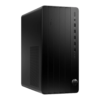
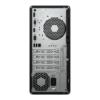
Description
Description
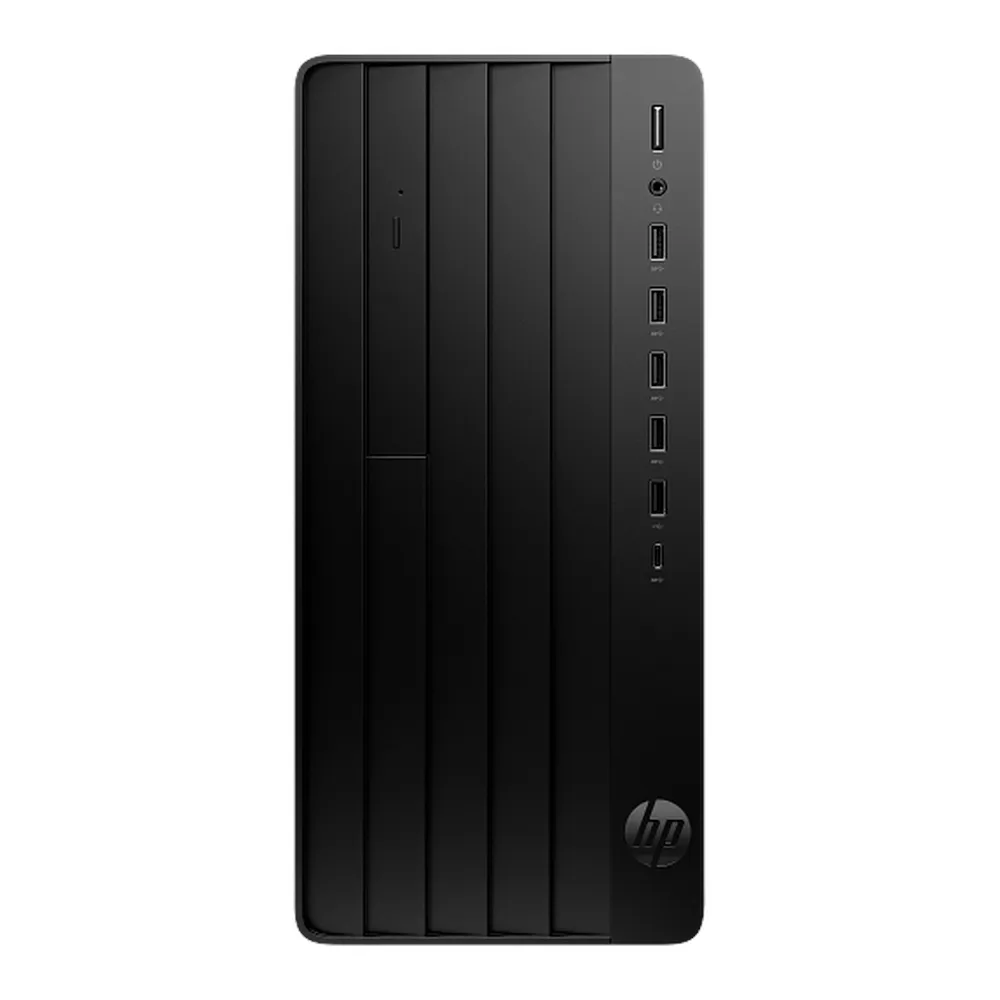
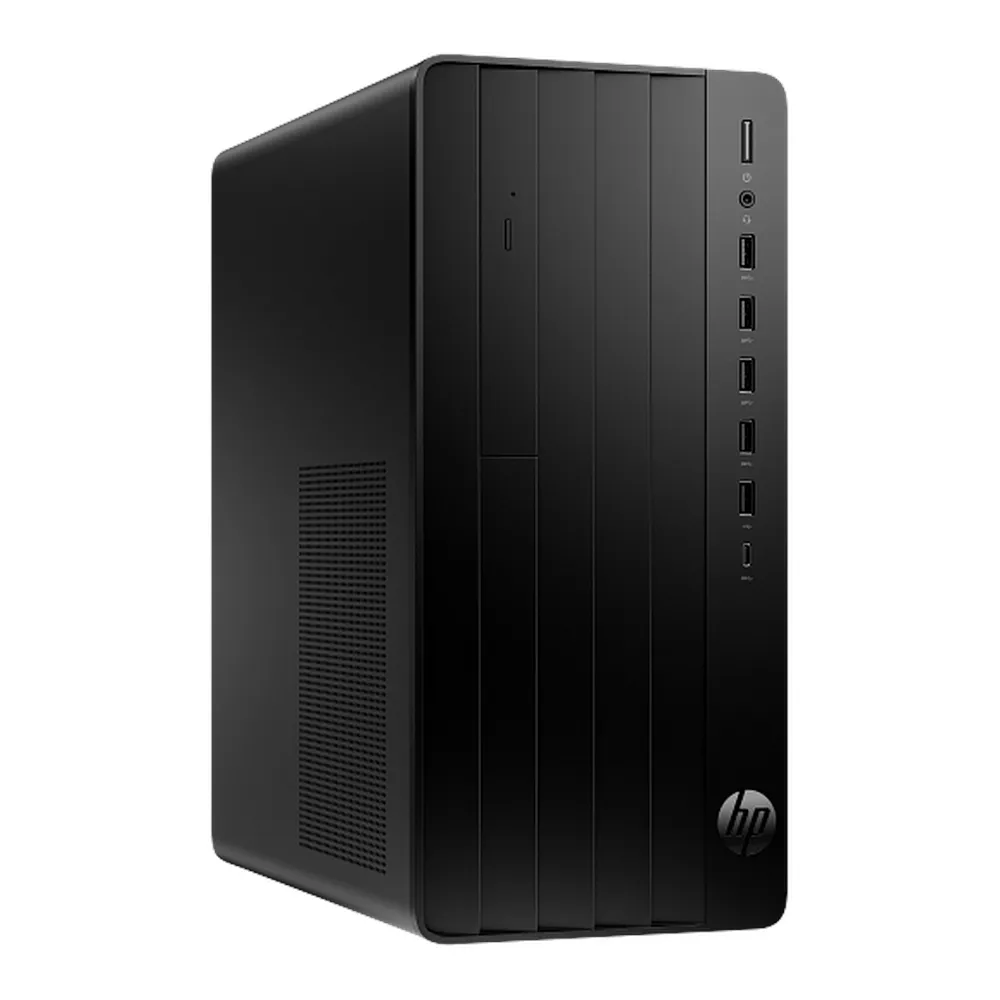
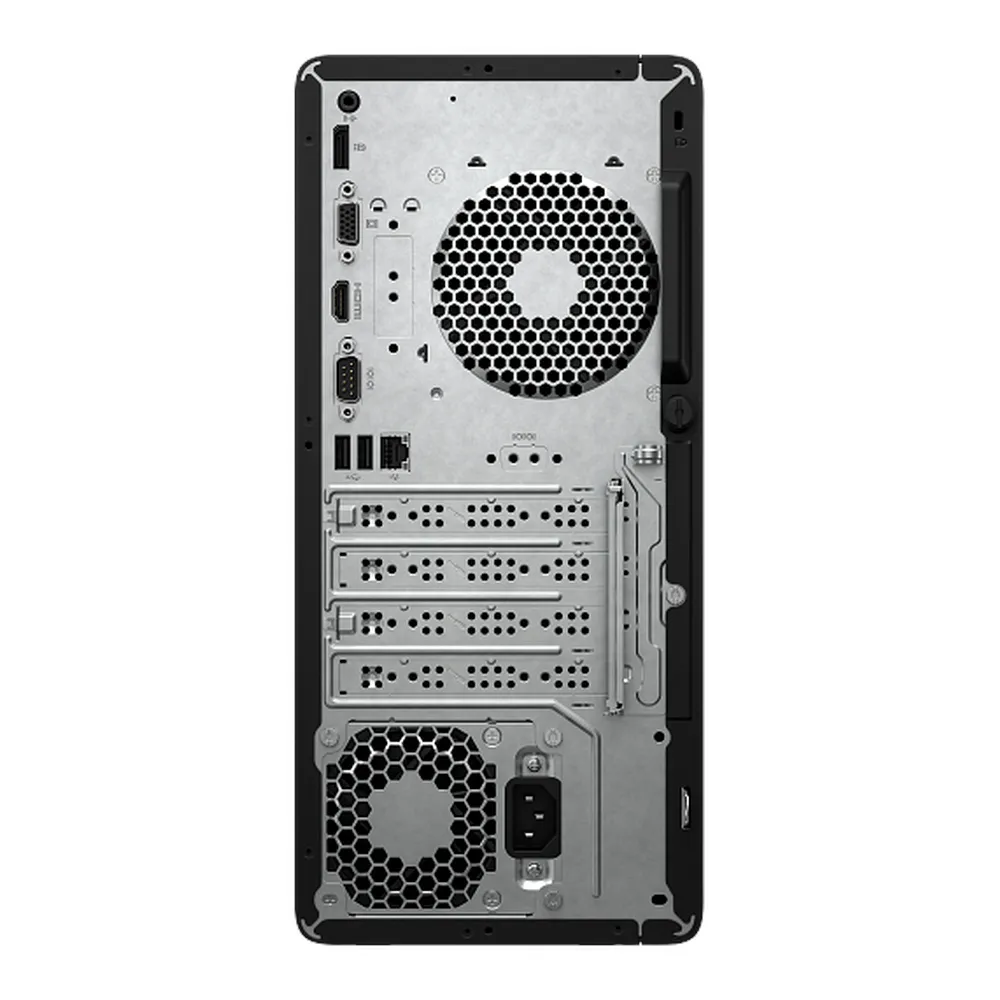
The HP Pro Tower 290 G9 Desktop PC C9YX8AT supports running compatible applications. This desktop computer is for users choosing hardware for their software and workspace.
The processor is Intel Core i7-13700. Also, the memory is 8GB DDR4-3200. The storage is 512GB PCIe NVMe SSD.
Also, the feature is Integrated Intel UHD Graphics 770. The operating system is DOS. Also, the keyboard is HP 125 Wired Keyboard. The mouse is HP 125 Wired Mouse.
First, compare the processor and memory with the requirements of your main applications. Also, check the storage capacity against your working files. For example, large projects may need separate storage and backups. Next, compare the display specification with your preferred working resolution. In addition, check the operating system before arranging software installation. Finally, review the exact model reference and regional keyboard layout where these details apply. Keep that reference available when selecting compatible accessories or requesting support.
For the HP Pro Tower 290 G9 Desktop PC C9YX8AT, keep the model details with your equipment records. Also, use the same reference when comparing accessories and replacement parts. This helps distinguish products with similar names when planning future purchases.
Product summary
The HP Pro Tower 290 G9 Desktop PC C9YX8AT is a desktop computer. Processor: Intel Core i7-13700; memory: 8GB DDR4-3200.
Specifications
| Brand | HP |
|---|---|
| Model / supplier reference | C9YX8AT |
| Processor | Intel Core i7-13700 |
| Memory | 8GB DDR4-3200 |
| Storage | 512GB PCIe NVMe SSD |
| Feature | Integrated Intel UHD Graphics 770 |
| Operating System | DOS |
| Keyboard | HP 125 Wired Keyboard |
| Mouse | HP 125 Wired Mouse |
Frequently asked questions
The HP Pro Tower 290 G9 Desktop PC C9YX8AT is a desktop computer for running compatible applications.
This desktop computer is for users choosing hardware for their software and workspace.
Processor: Intel Core i7-13700.
Memory: 8GB DDR4-3200.
Storage: 512GB PCIe NVMe SSD.
First, compare the processor and memory with the requirements of your main applications.
Explore Home & Office PCs, Desktops & Monitors, Computers & Laptops.







Reviews
There are no reviews yet.