

Description
Description
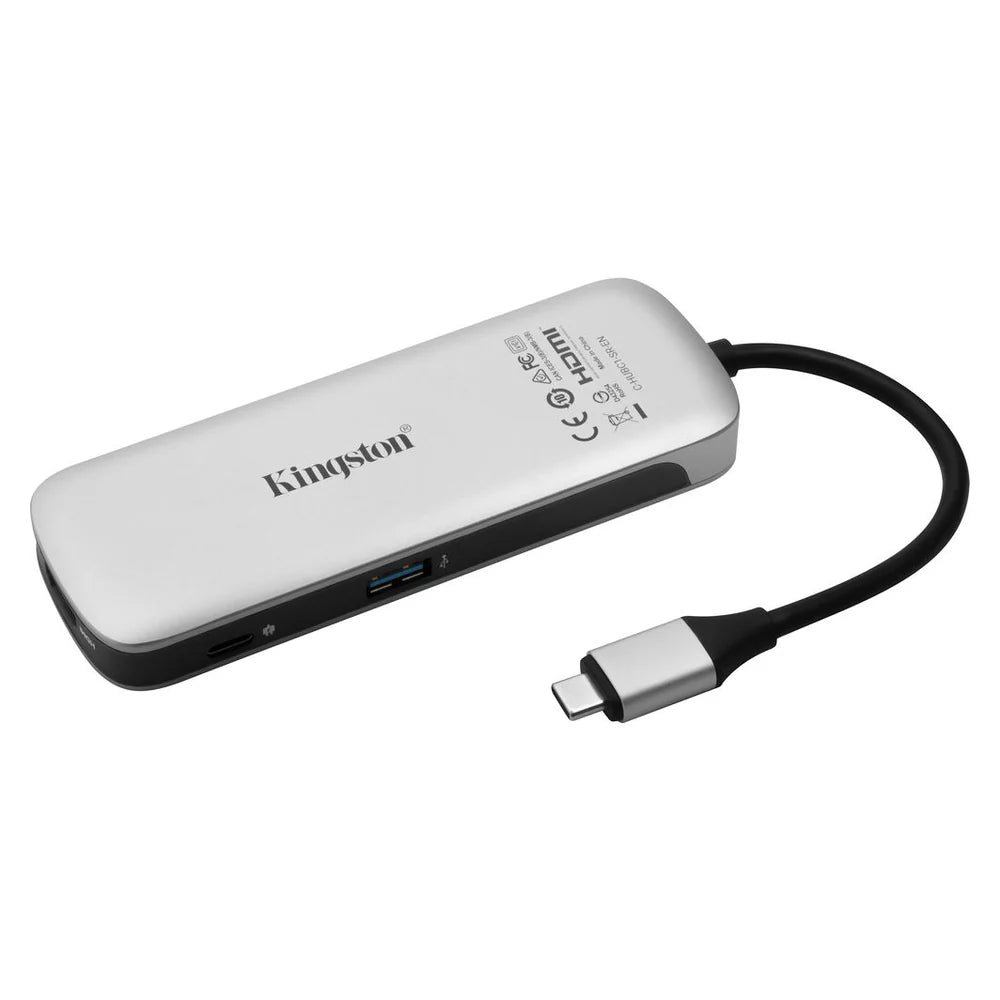
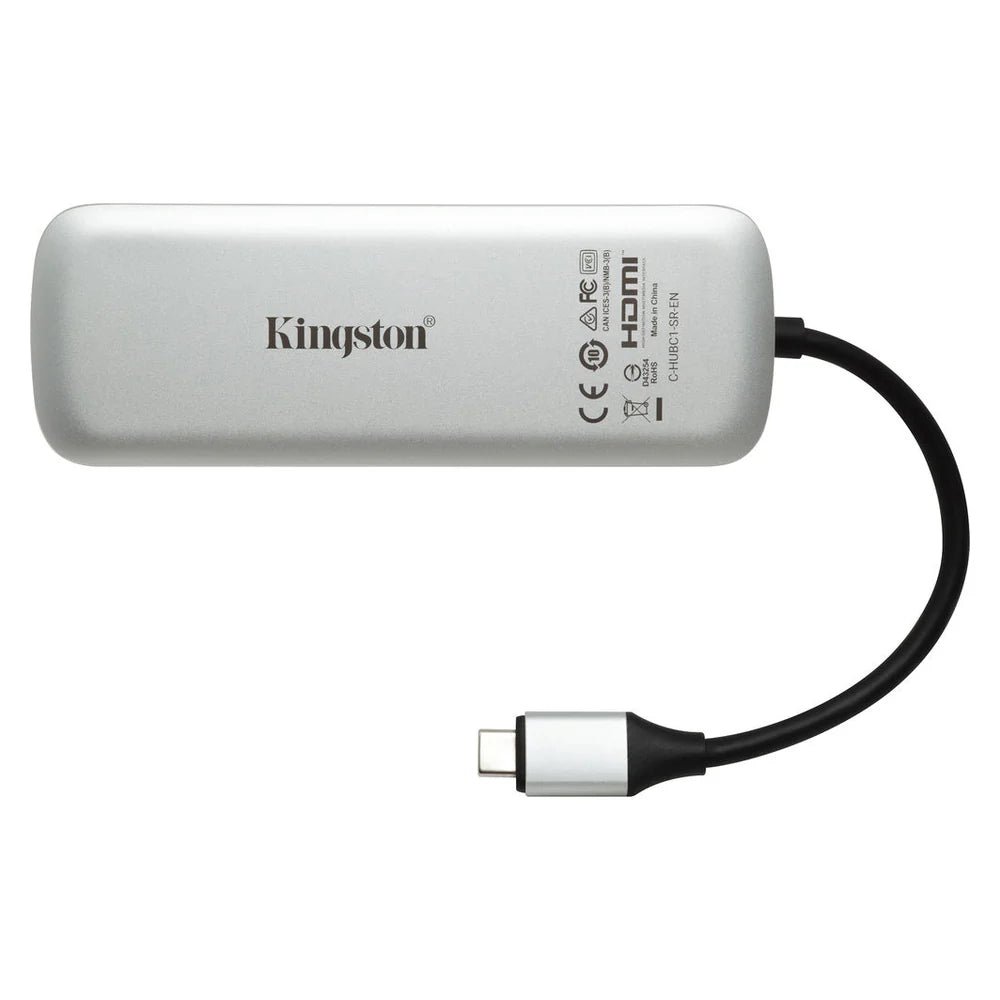
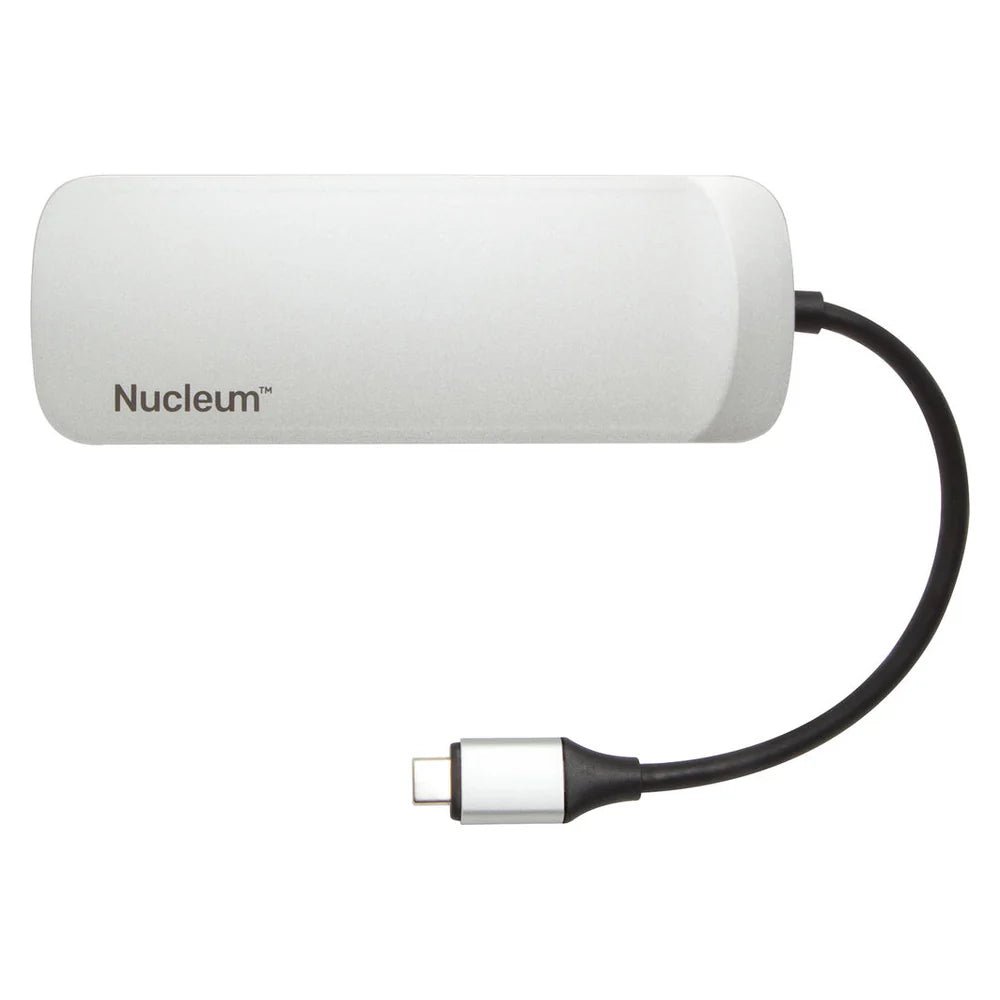
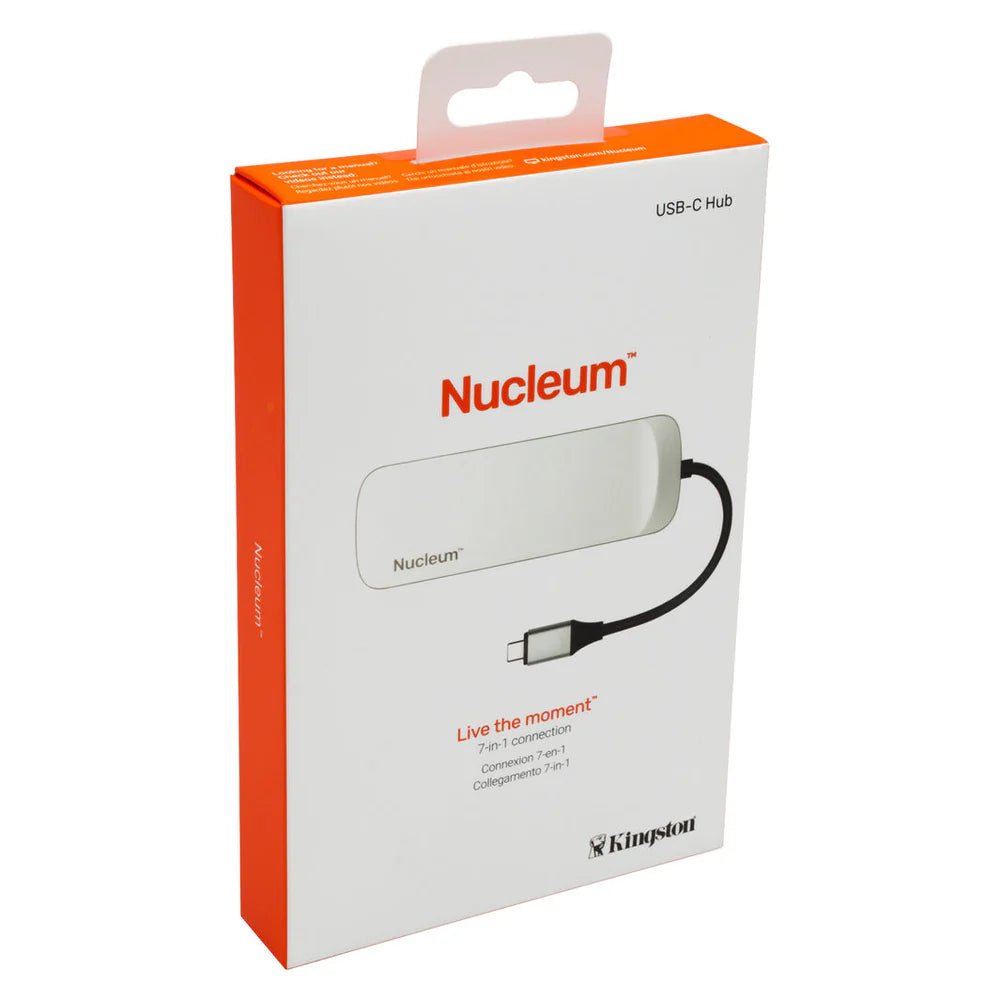
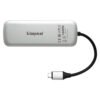
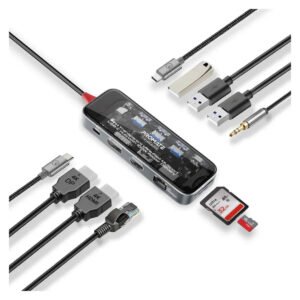
The Kingston Nucleum 7-in-1 USB-C Hub C-HUBC1-SR-EN supports connecting compatible devices and peripherals. This computer connection accessory is for users expanding or adapting device connections.
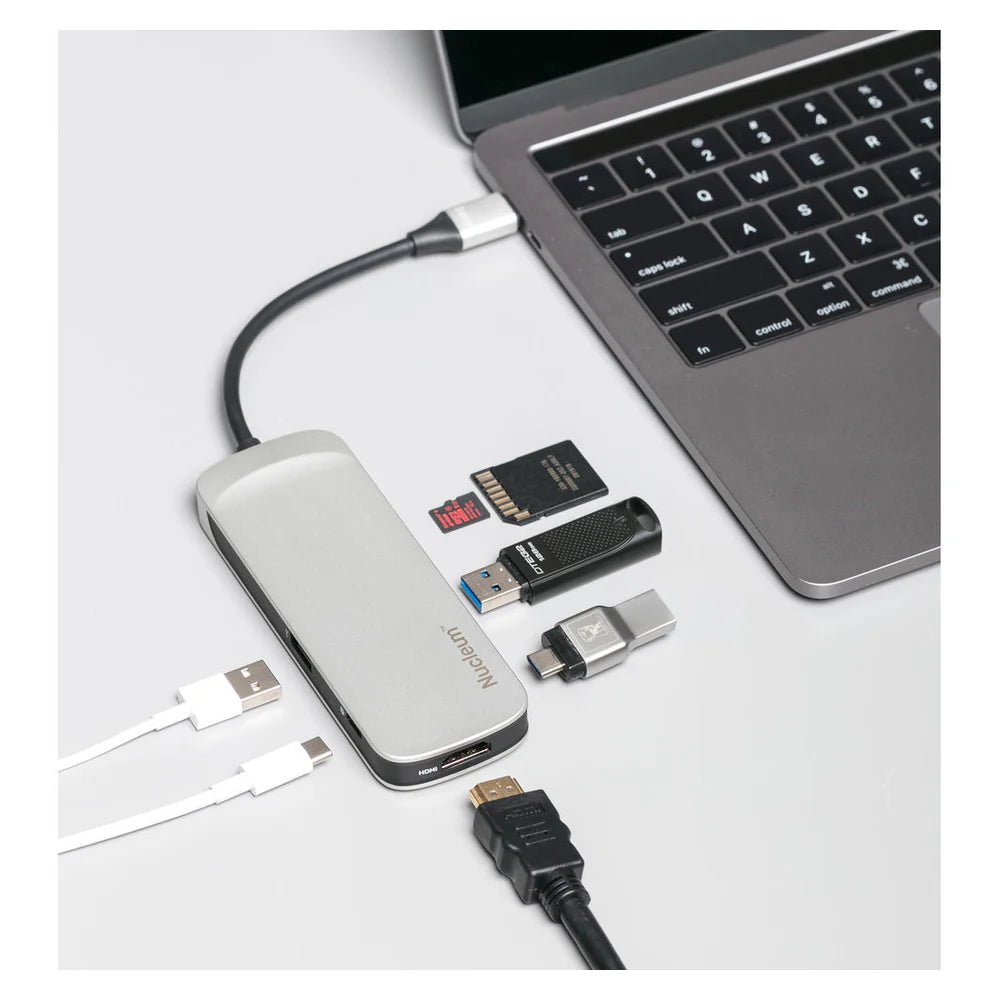
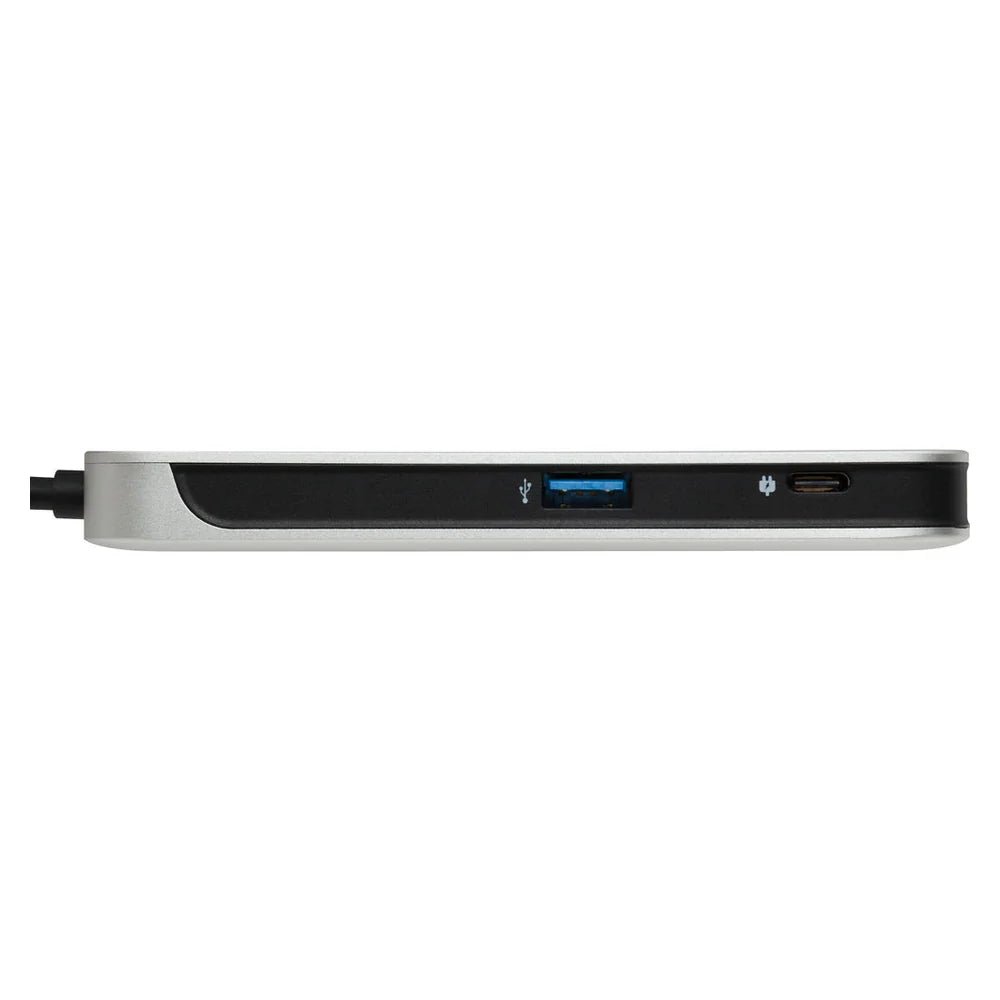
The interface is USB Type-C Male. Also, the usb ports details are 1 x USB-C PD, 1 x USB-C 5Gbps, 2 x USB 3.1. The card reader is SD & microSD Slots (UHS-II).
Also, the display output is 1 x HDMI (4K@30Hz). The power delivery is Up to 60W USB-C PD. Also, the material is Aluminum Casing. The color is Grey.
Match the connector and interface specifications to the devices you plan to connect. Also, check the required direction of any signal conversion. For example, a connector that fits does not establish support for every data or display mode. Finally, review power and operating-system requirements where the product specifies them.
For the Kingston Nucleum 7-in-1 USB-C Hub C-HUBC1-SR-EN, keep the model details with your equipment records. Also, use the same reference when comparing accessories and replacement parts. This helps distinguish products with similar names when planning future purchases.
Product summary
The Kingston Nucleum 7-in-1 USB-C Hub C-HUBC1-SR-EN is a computer connection accessory. Interface: USB Type-C Male; usb ports: 1 x USB-C PD, 1 x USB-C 5Gbps, 2 x USB 3.1.
Specifications
| Brand | Kingston |
|---|---|
| Model / supplier reference | C-HUBC1-SR-EN |
| Interface | USB Type-C Male |
| USB Ports | 1 x USB-C PD, 1 x USB-C 5Gbps, 2 x USB 3.1 |
| Card Reader | SD & microSD Slots (UHS-II) |
| Display Output | 1 x HDMI (4K@30Hz) |
| Power Delivery | Up to 60W USB-C PD |
| Material | Aluminum Casing |
| Color | Grey |
Frequently asked questions
The Kingston Nucleum 7-in-1 USB-C Hub C-HUBC1-SR-EN is a computer connection accessory for connecting compatible devices and peripherals.
This computer connection accessory is for users expanding or adapting device connections.
Interface: USB Type-C Male.
USB Ports: 1 x USB-C PD, 1 x USB-C 5Gbps, 2 x USB 3.1.
Card Reader: SD & microSD Slots (UHS-II).
Match the connector and interface specifications to the devices you plan to connect.
Explore USB Hubs, Computer Accessories, Computers & Laptops.





Reviews
There are no reviews yet.