





Description
Description
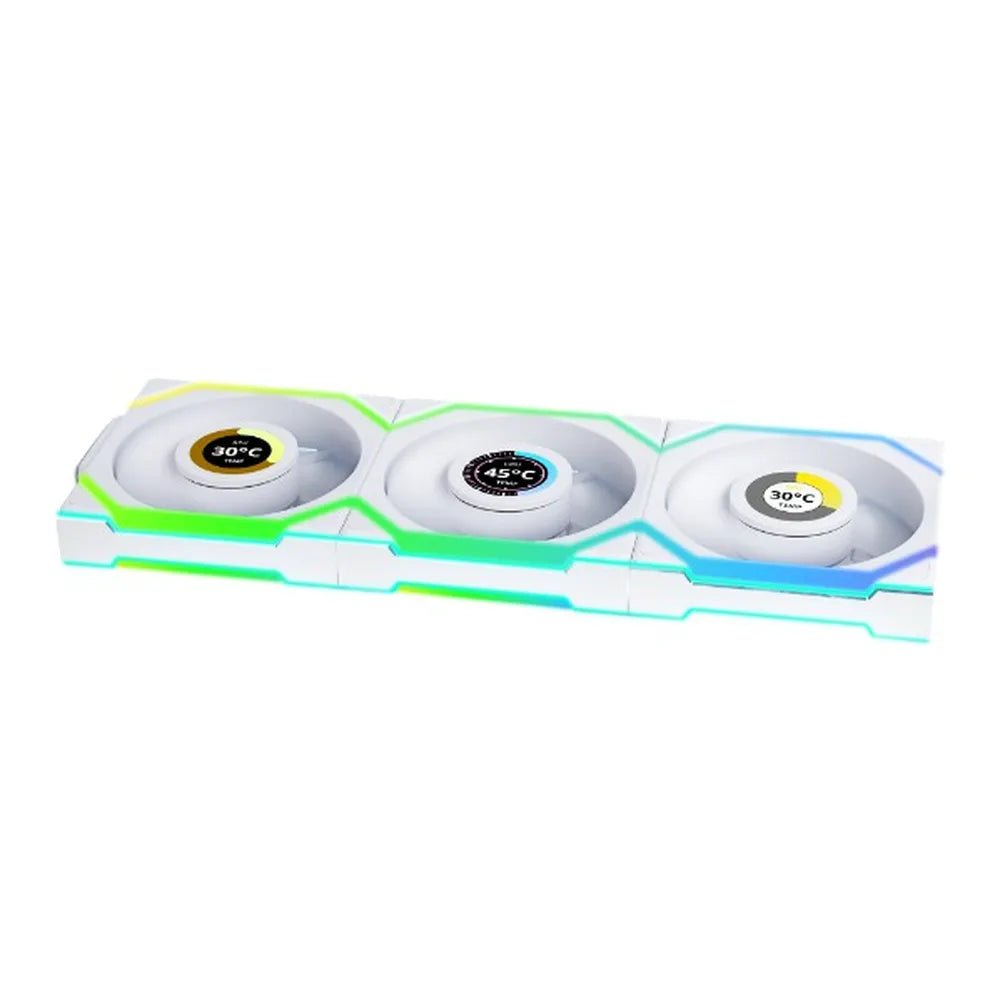
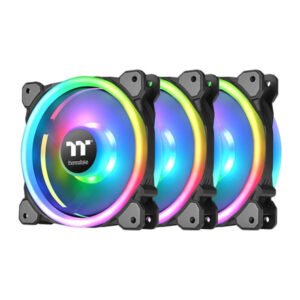
The Lian Li 12RSL1W3W CPU cooler supports cooling compatible computer hardware. This CPU cooler is for PC builders matching cooling parts to their system.
The fan size is 120mm. Also, the fan speed is 200 – 2000 RPM. The no of fans details are 3.
Also, the feature is Fluid Dynamic Bearing. The feature is Reverse Blade Design. Also, the feature is L-Wireless Controller Included. The feature is 2.4GHz Wireless Signal Control.
First, check the supported sockets or mounting points against your hardware. Also, compare the dimensions with the clearance inside your case. For example, a larger cooler can interfere with memory modules or side panels. Next, check the fan and lighting connectors against your motherboard. In addition, review the stated fan count when planning airflow. Finally, follow the installation instructions for the exact model. Keep its reference available when selecting matching mounting hardware or replacement fans.
For the Lian Li 12RSL1W3W CPU cooler, keep the model details with your equipment records. Also, use the same reference when comparing accessories and replacement parts. This helps distinguish products with similar names when planning future purchases.
Product summary
The Lian Li 12RSL1W3W CPU cooler is a CPU cooler. Fan Size: 120mm; fan speed: 200 – 2000 RPM.
Specifications
| Brand | Lian Li |
|---|---|
| Model / supplier reference | 12RSL1W3W |
| Fan Size | 120mm |
| Fan Speed | 200 – 2000 RPM |
| No Of Fans | 3 |
| Feature | Fluid Dynamic Bearing |
| Feature | Reverse Blade Design |
| Feature | L-Wireless Controller Included |
| Feature | 2.4GHz Wireless Signal Control |
| Feature | Double Infinity Mirror Design |
| Feature | Triple-Zone Lighting (ARGB) |
| Feature | L-Connect 3 Software Support |
| Color | White |
Frequently asked questions
The Lian Li 12RSL1W3W CPU cooler is a CPU cooler for cooling compatible computer hardware.
This CPU cooler is for PC builders matching cooling parts to their system.
Fan Size: 120mm.
Fan Speed: 200 – 2000 RPM.
No Of Fans: 3.
First, check the supported sockets or mounting points against your hardware.
Explore Fans & Cooling, Computer Components, Computers & Laptops.









Reviews
There are no reviews yet.