



Description
Description
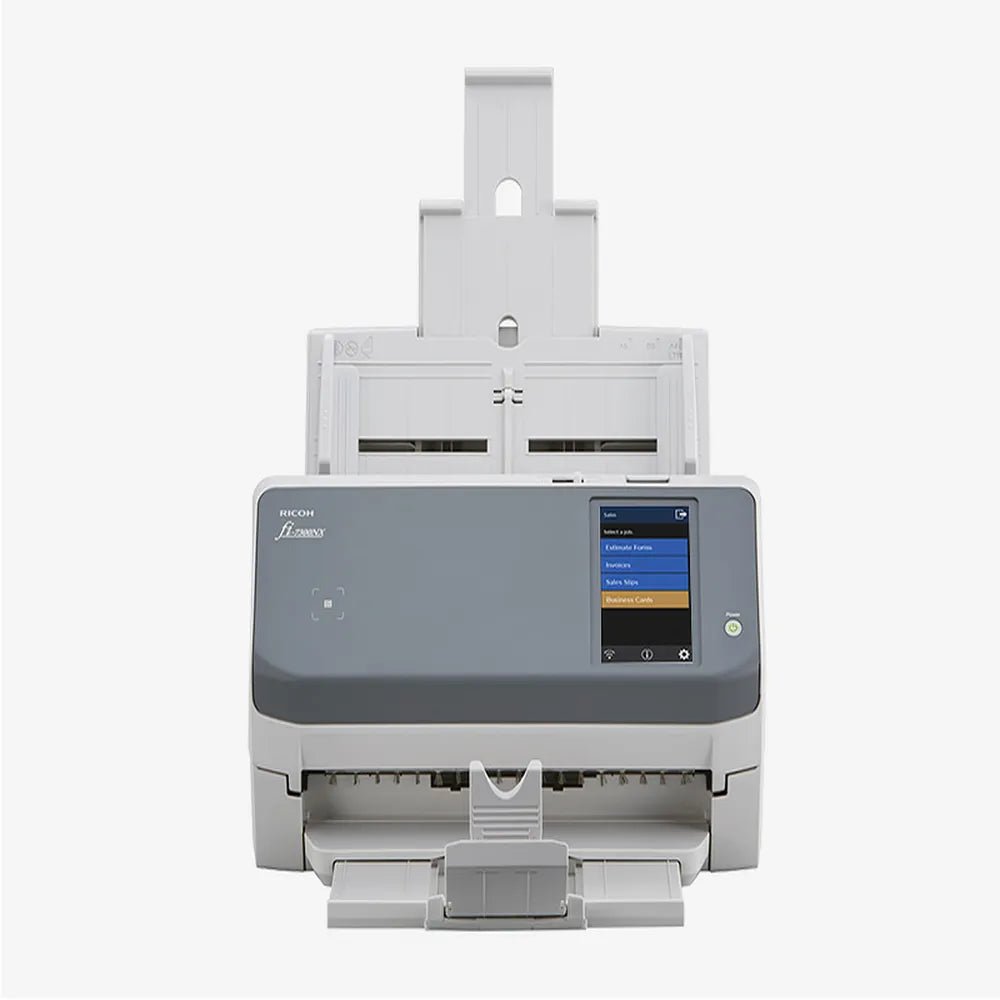
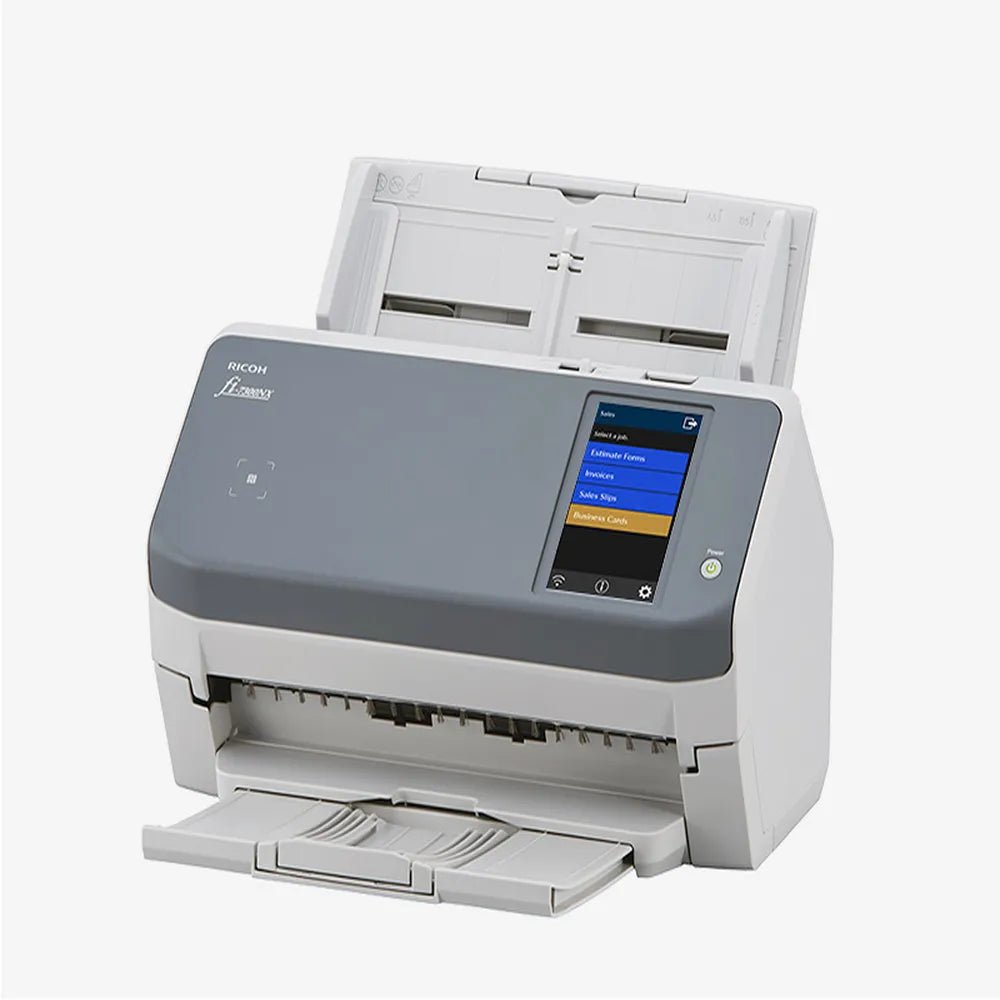
The Ricoh fi-7300NX Network Document Scanner supports capturing documents or codes in a digital workflow. This scanner is for users with compatible scanning software and equipment.
The scanner type is Document Scanner. Also, the display is 4.3" TFT Color Touch Screen. The scan resolution is 600 DPI.
Also, the scan speed is 60 ppm (Simplex) / 120 ipm (Duplex). The adf capacity is 80 Sheets. Also, the image sensor is Color CCD x 2 (Front & Back). The light source is White LED Array x 2.
Match the scanner type to the documents or codes you need to capture. Also, check the interface and software requirements against your working environment. For example, compare supported media dimensions before planning repeated scanning jobs. Finally, follow the equipment instructions for installation, loading and cleaning.
For the Ricoh fi-7300NX Network Document Scanner, keep the model details with your equipment records. Also, use the same reference when comparing accessories and replacement parts. This helps distinguish products with similar names when planning future purchases.
Product summary
The Ricoh fi-7300NX Network Document Scanner is a scanner. Scanner Type: Document Scanner; display: 4.3" TFT Color Touch Screen.
Specifications
| Brand | Ricoh |
|---|---|
| Model / supplier reference | Fi-7300NX |
| Scanner Type | Document Scanner |
| Display | 4.3" TFT Color Touch Screen |
| Scan Resolution | 600 DPI |
| Scan Speed | 60 ppm (Simplex) / 120 ipm (Duplex) |
| ADF Capacity | 80 Sheets |
| Image Sensor | Color CCD x 2 (Front & Back) |
| Light Source | White LED Array x 2 |
| Interface | USB 3.1 Gen 1, Gigabit Ethernet, Wi-Fi |
| Operating Environment | 5 to 35 °C | 20-80% RH |
Frequently asked questions
The Ricoh fi-7300NX Network Document Scanner is a scanner for capturing documents or codes in a digital workflow.
This scanner is for users with compatible scanning software and equipment.
Scanner Type: Document Scanner.
Display: 4.3" TFT Color Touch Screen.
Scan Resolution: 600 DPI.
Match the scanner type to the documents or codes you need to capture.
Explore Scanners, Printer & Technology, Office & Networking.






Reviews
There are no reviews yet.