
Description
Description
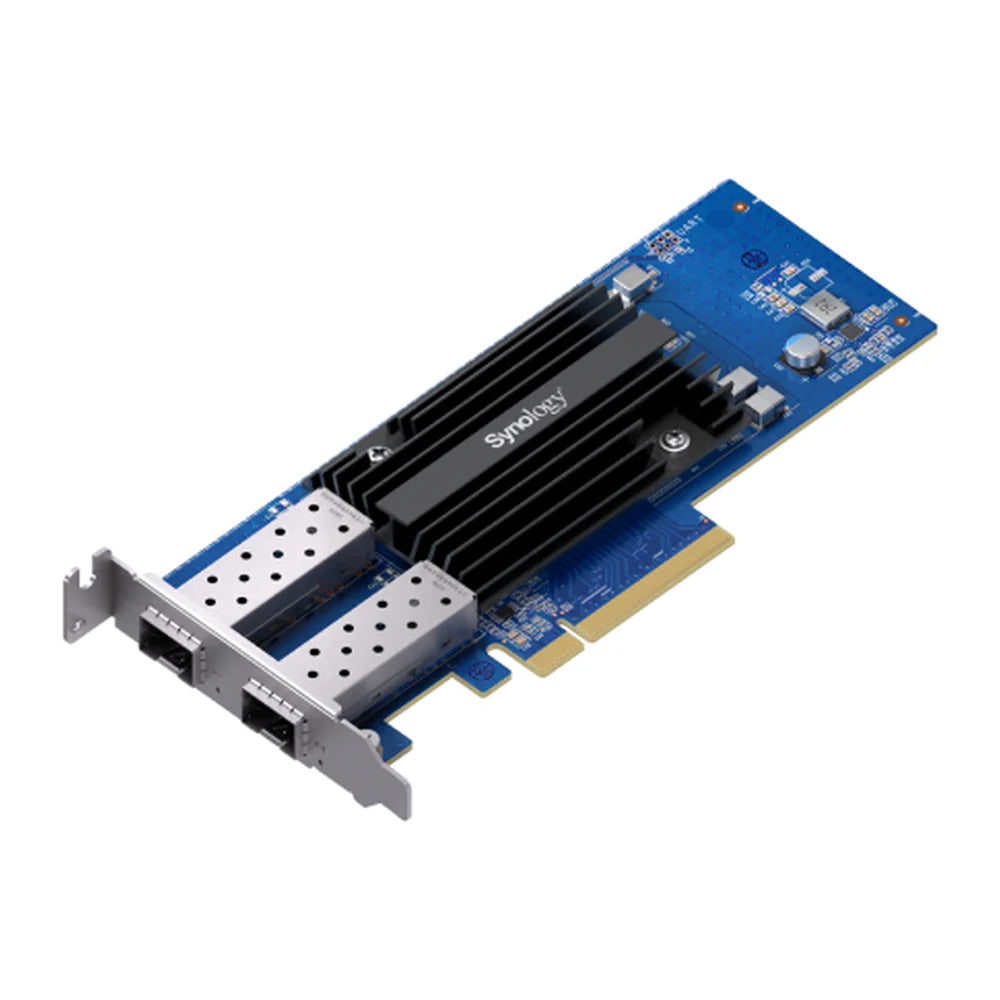
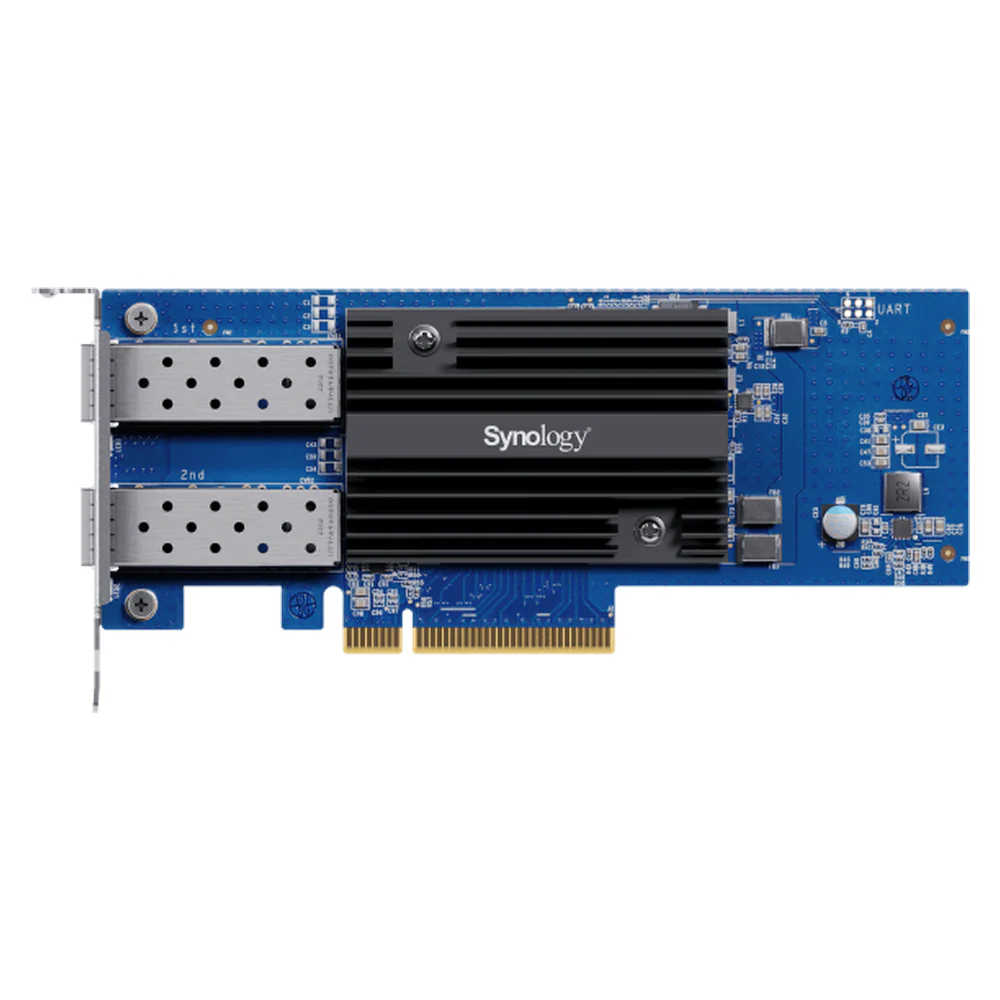
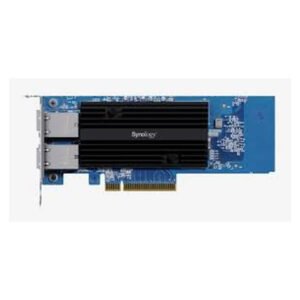
The Synology E10G30-F2 networking device supports connecting or managing compatible equipment. This networking device is for users planning a matching network or device connection.
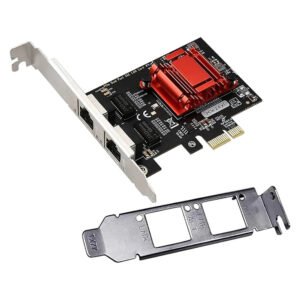
The product type is Network Interface Card (NIC). Also, the interface is PCIe 3.0 x8. The ports details are 2 x SFP+ Ports.
Also, the data transfer rate is 10 Gbps per port (Full-Duplex). The network standards details are IEEE 802.3ae 10 Gbps Ethernet, IEEE 802.3ad Link Aggregation. Also, the cooling is Premium Aluminum Heatsink. The material is High-performance PCB.
Compare the interface and network requirements with your existing equipment. Also, plan where the device will connect before choosing the installation position. For example, check the available ports and any stated power requirements. Finally, follow the product instructions for configuration and access settings.
For the Synology E10G30-F2 networking device, keep the model details with your equipment records. Also, use the same reference when comparing accessories and replacement parts. This helps distinguish products with similar names when planning future purchases.
Product summary
The Synology E10G30-F2 networking device is a networking device. Product Type: Network Interface Card (NIC); interface: PCIe 3.0 x8.
Specifications
| Brand | Synology |
|---|---|
| Model / supplier reference | E10G30-F2 |
| Product Type | Network Interface Card (NIC) |
| Interface | PCIe 3.0 x8 |
| Ports | 2 x SFP+ Ports |
| Data Transfer Rate | 10 Gbps per port (Full-Duplex) |
| Network Standards | IEEE 802.3ae 10 Gbps Ethernet, IEEE 802.3ad Link Aggregation |
| Cooling | Premium Aluminum Heatsink |
| Material | High-performance PCB |
| Color | Black |
Frequently asked questions
The Synology E10G30-F2 networking device is a networking device for connecting or managing compatible equipment.
This networking device is for users planning a matching network or device connection.
Product Type: Network Interface Card (NIC).
Interface: PCIe 3.0 x8.
Ports: 2 x SFP+ Ports.
Compare the interface and network requirements with your existing equipment.
Explore Network Interface Cards, Networking Devices, Office & Networking.





Reviews
There are no reviews yet.