Description
Description
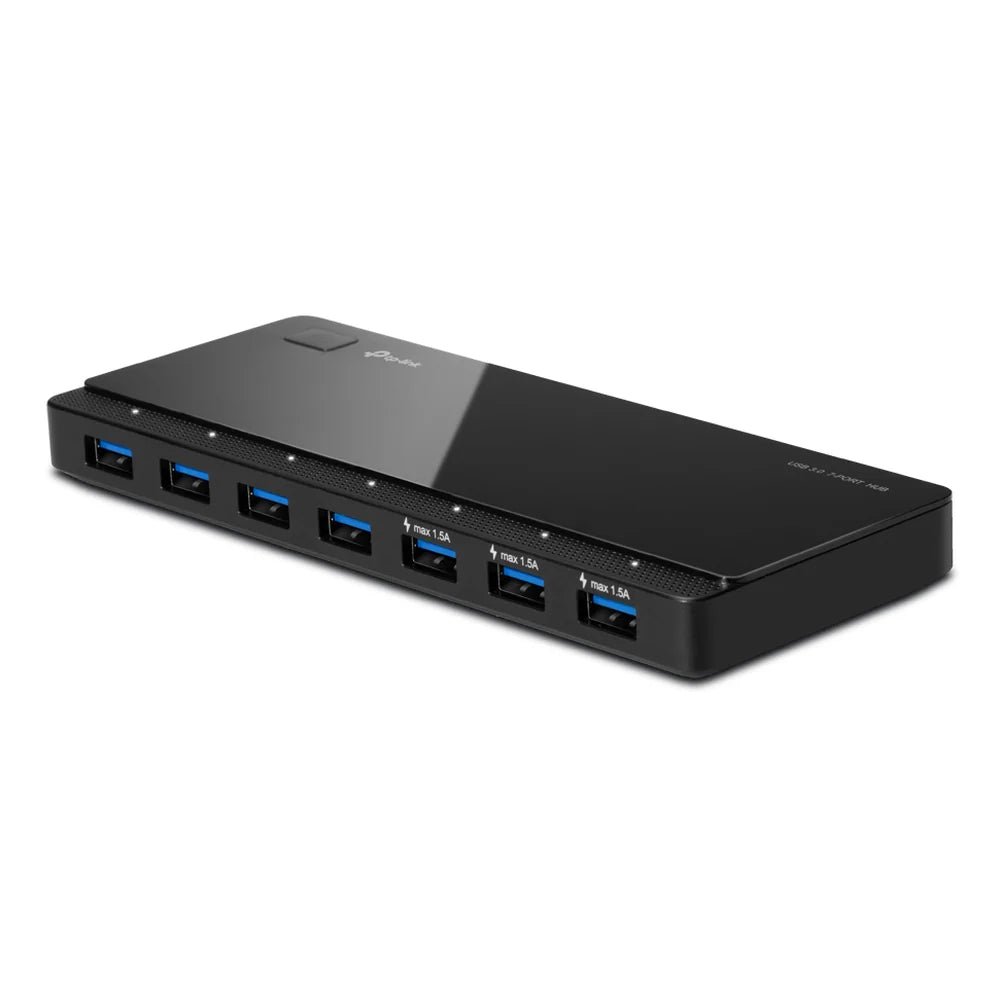
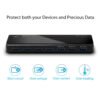
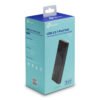
The TP-Link UH700 USB 3.0 7-Port Hub supports connecting compatible devices and peripherals. This computer connection accessory is for users expanding or adapting device connections.
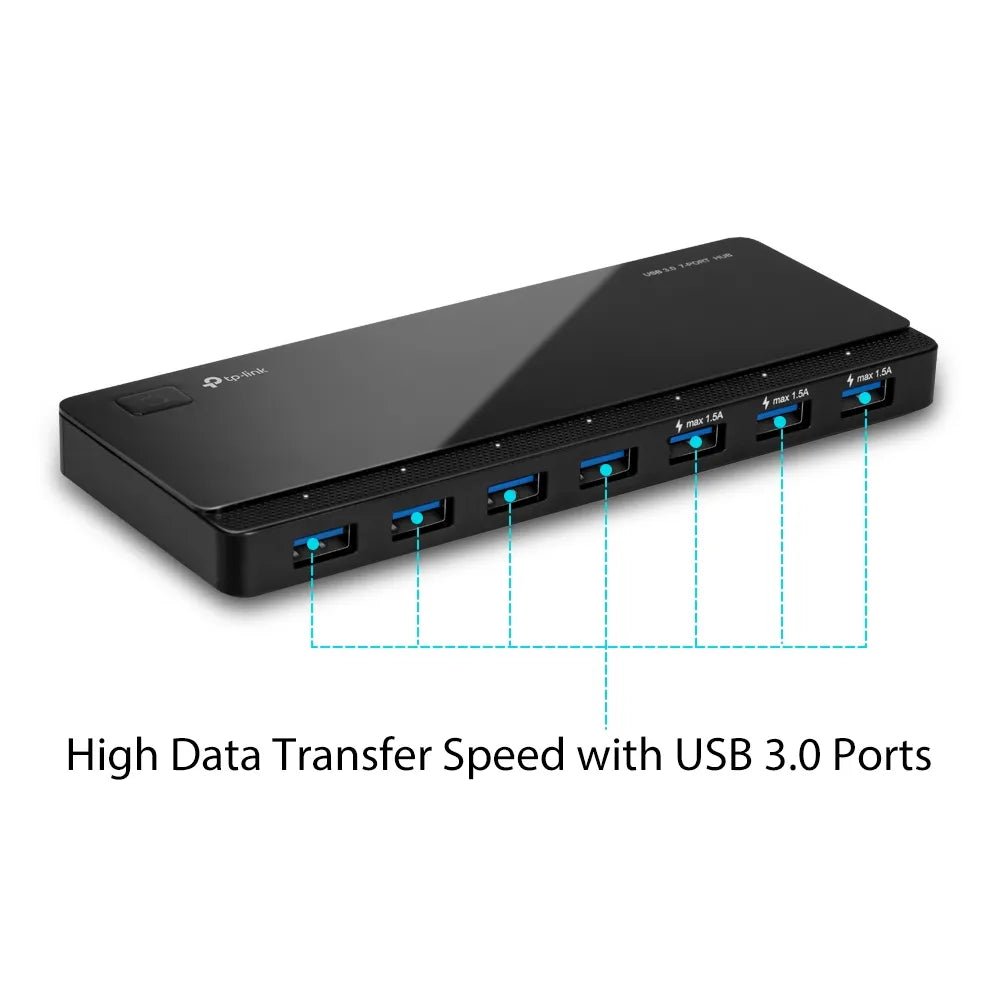
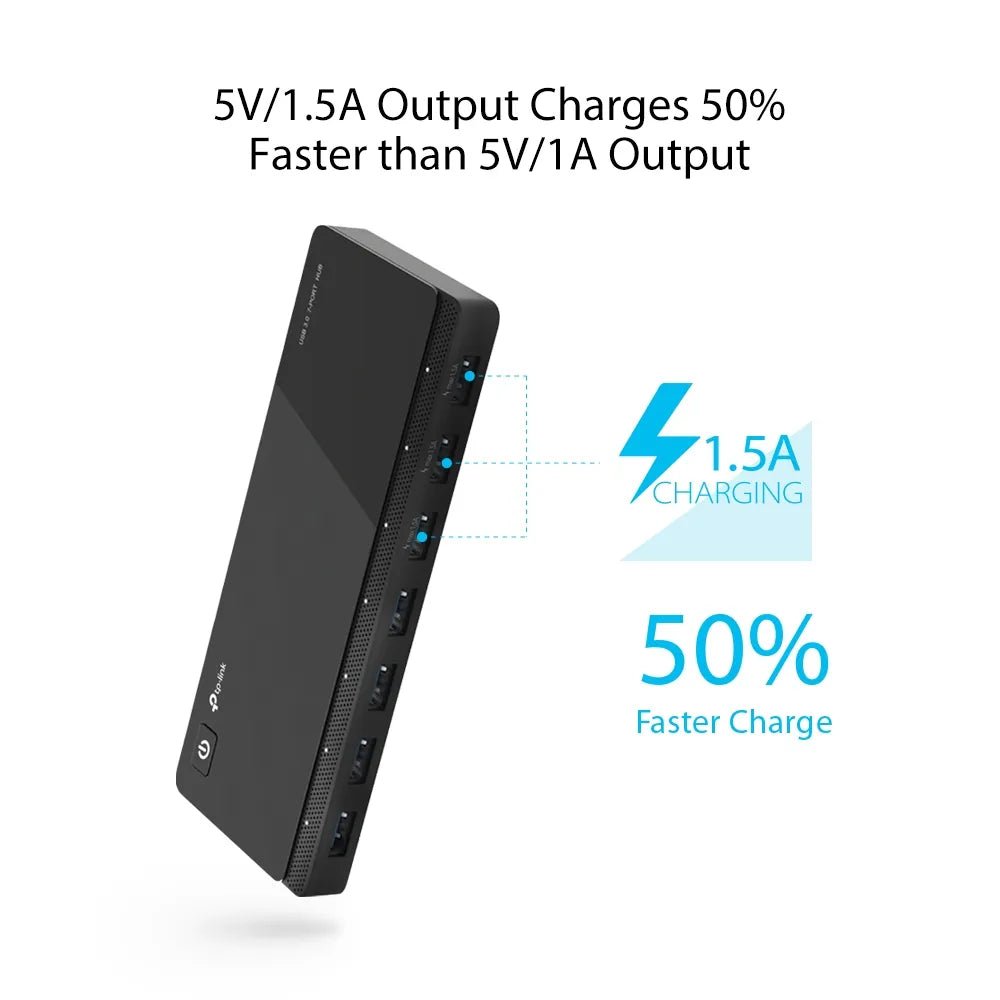
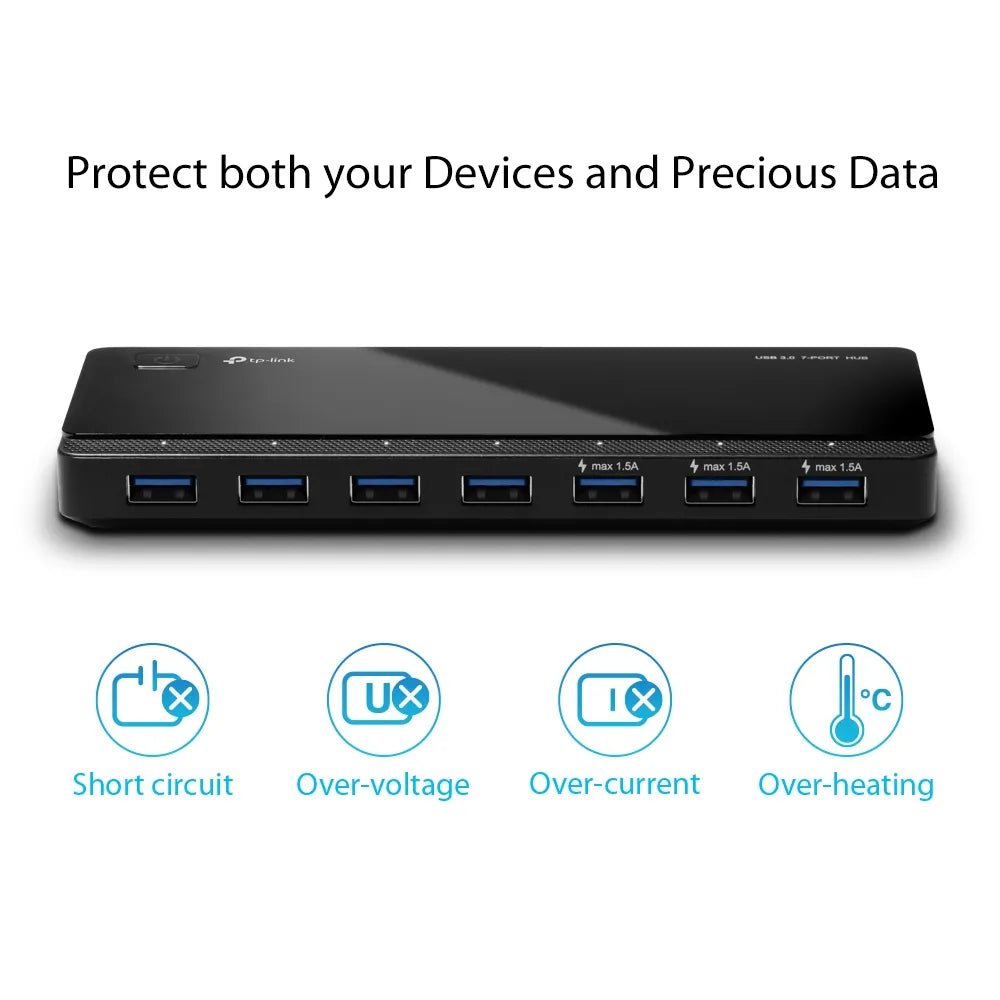
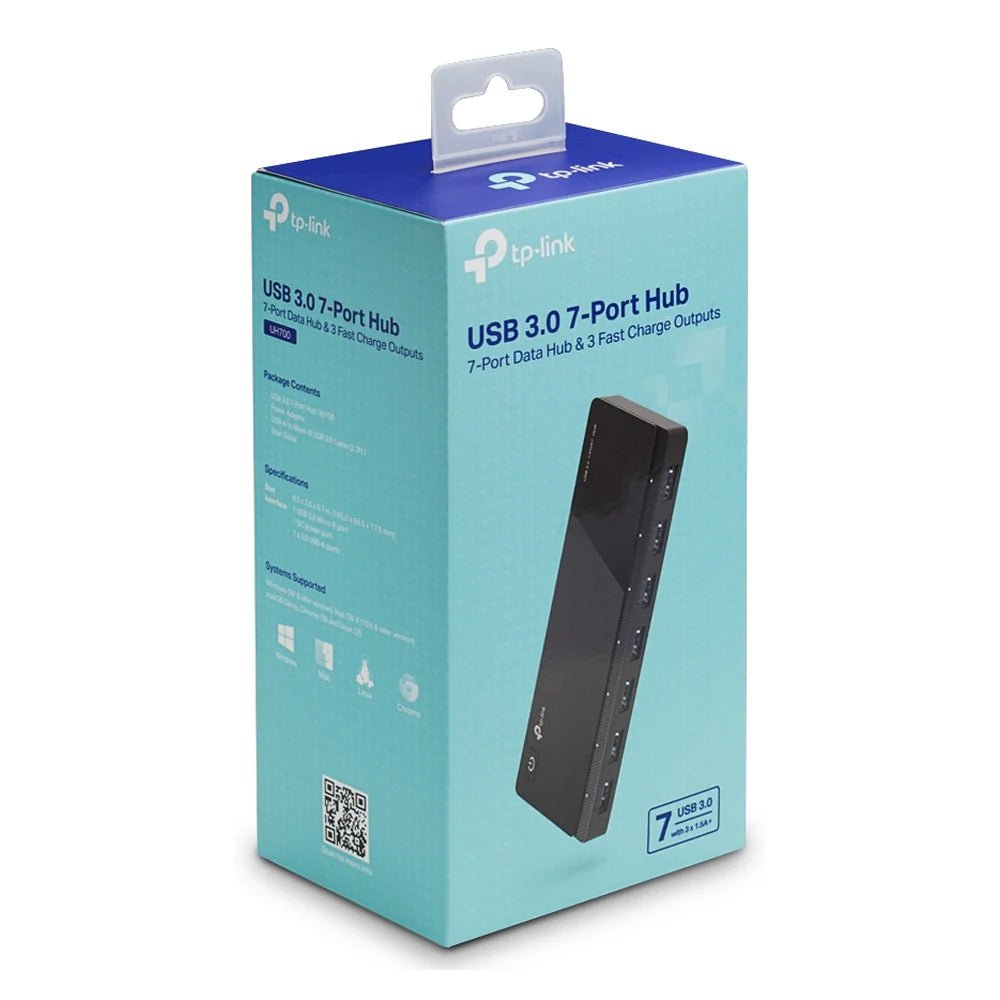
The interface is USB 3.0 Type-B. Also, the usb ports details are 7 x USB 3.0 Type-A. The power input is External 24W Power Adapter.
Also, the power button is Global ON/OFF Button. The indicators details are LED Status Indicators. Also, the design is Hot-Swappable Plug & Play. The color is Black.
Match the connector and interface specifications to the devices you plan to connect. Also, check the required direction of any signal conversion. For example, a connector that fits does not establish support for every data or display mode. Finally, review power and operating-system requirements where the product specifies them.
For the TP-Link UH700 USB 3.0 7-Port Hub, keep the model details with your equipment records. Also, use the same reference when comparing accessories and replacement parts. This helps distinguish products with similar names when planning future purchases.
Product summary
The TP-Link UH700 USB 3.0 7-Port Hub is a computer connection accessory. Interface: USB 3.0 Type-B; usb ports: 7 x USB 3.0 Type-A.
Specifications
| Brand | TP-Link |
|---|---|
| Model / supplier reference | UH700 |
| Interface | USB 3.0 Type-B |
| USB Ports | 7 x USB 3.0 Type-A |
| Power Input | External 24W Power Adapter |
| Power Button | Global ON/OFF Button |
| Indicators | LED Status Indicators |
| Design | Hot-Swappable Plug & Play |
| Color | Black |
Frequently asked questions
The TP-Link UH700 USB 3.0 7-Port Hub is a computer connection accessory for connecting compatible devices and peripherals.
This computer connection accessory is for users expanding or adapting device connections.
Interface: USB 3.0 Type-B.
USB Ports: 7 x USB 3.0 Type-A.
Power Input: External 24W Power Adapter.
Match the connector and interface specifications to the devices you plan to connect.
Explore USB Hubs, Computer Accessories, Computers & Laptops.