
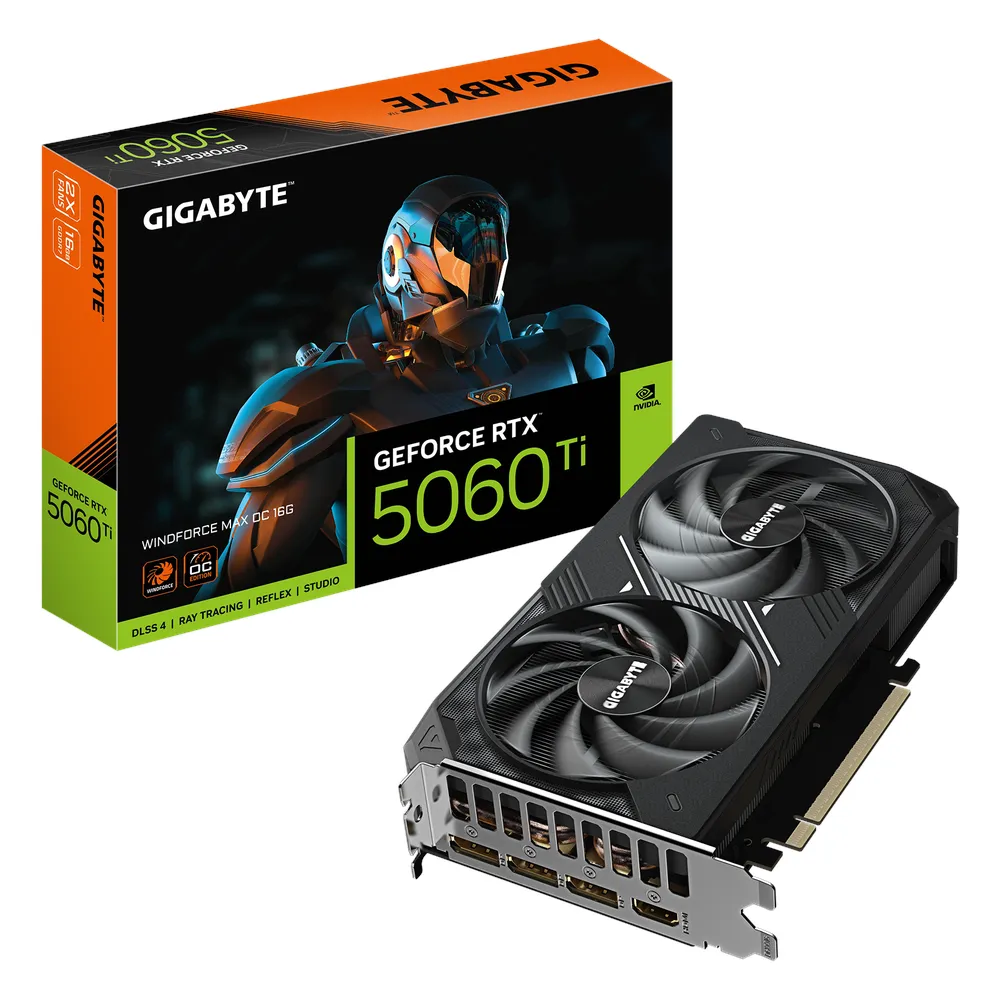
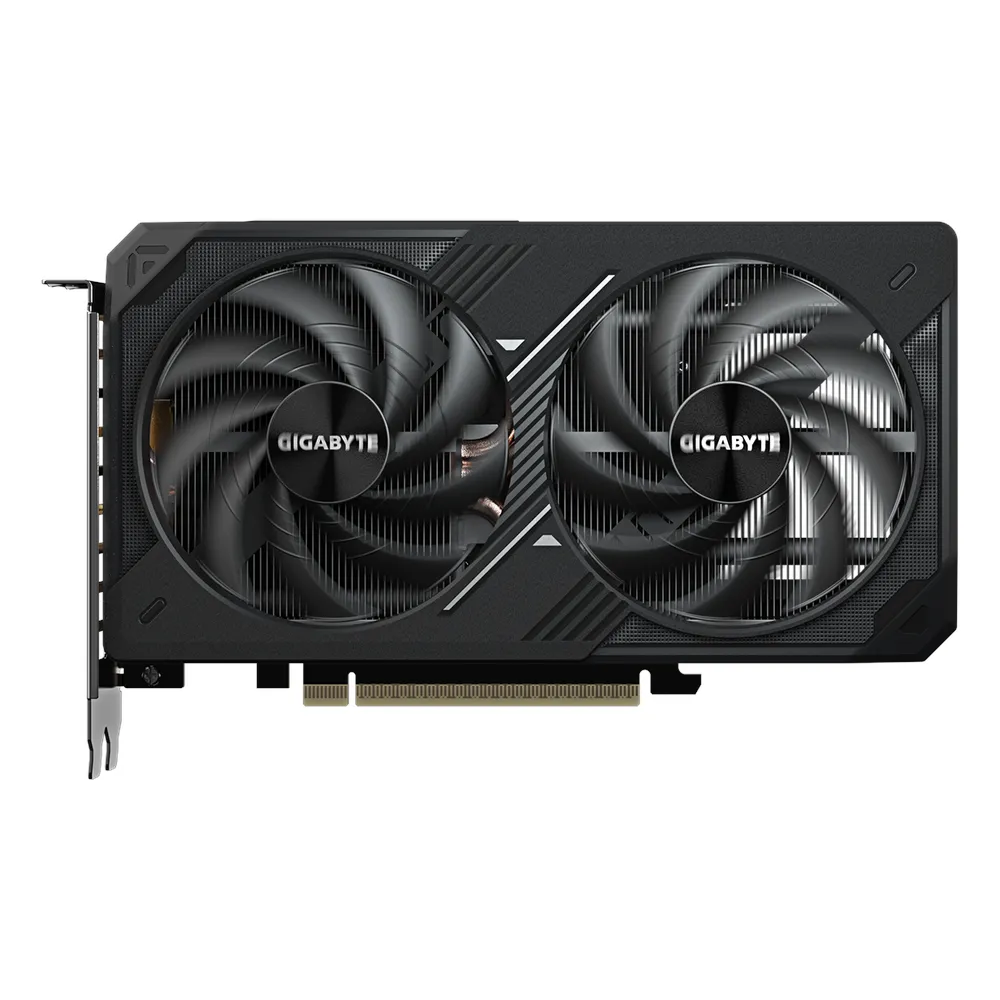


Description
Description
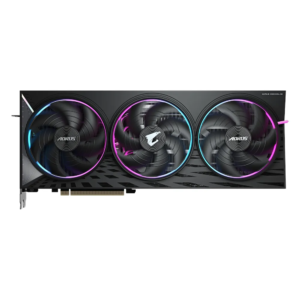
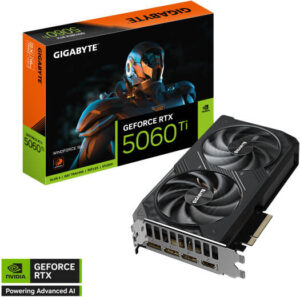
The GIGABYTE GV-N506TWF2MAX-OC-16G graphics card supports providing graphics output in a compatible system. This graphics card is for users matching a graphics card to their computer.
The feature is NVIDIA GeForce RTX 5060 Ti. Also, the memory is 16GB GDDR7. The cuda cores details are 4608.
Also, the ai performance is 772 AI TOPS. The bus standard is PCI Express 5.0. Also, the core clock is 2587 MHz. The memory speed is 28 Gbps.
First, compare the graphics card dimensions with the space inside your case. Also, check the required power supply and power connectors. For example, the number of display outputs affects how you connect several screens. Next, compare the display connections with your monitors and cables. In addition, check software requirements against the stated graphics memory and processor. Finally, follow the installation instructions for this exact model. Keep the model reference available when selecting drivers, power cables and display accessories.
For the GIGABYTE GV-N506TWF2MAX-OC-16G graphics card, keep the model details with your equipment records. Also, use the same reference when comparing accessories and replacement parts. This helps distinguish products with similar names when planning future purchases.
Product summary
The GIGABYTE GV-N506TWF2MAX-OC-16G graphics card is a graphics card. Feature: NVIDIA GeForce RTX 5060 Ti; memory: 16GB GDDR7.
Specifications
| Brand | GIGABYTE |
|---|---|
| Model / supplier reference | GV-N506TWF2MAX-OC-16G |
| Feature | NVIDIA GeForce RTX 5060 Ti |
| Memory | 16GB GDDR7 |
| CUDA Cores | 4608 |
| AI Performance | 772 AI TOPS |
| Bus Standard | PCI Express 5.0 |
| Core Clock | 2587 MHz |
| Memory Speed | 28 Gbps |
| Memory Interface | 128-bit |
Frequently asked questions
The GIGABYTE GV-N506TWF2MAX-OC-16G graphics card is a graphics card for providing graphics output in a compatible system.
This graphics card is for users matching a graphics card to their computer.
Feature: NVIDIA GeForce RTX 5060 Ti.
Memory: 16GB GDDR7.
CUDA Cores: 4608.
First, compare the graphics card dimensions with the space inside your case.
Explore Video / Graphic Cards, Computer Components, Computers & Laptops.




Reviews
There are no reviews yet.